

Audio Format Converter.

Drag & drop files or folders

or click to browse

Real client-side encoded formats
Conversion in your own browser

Online Audio Format Converter for DJs

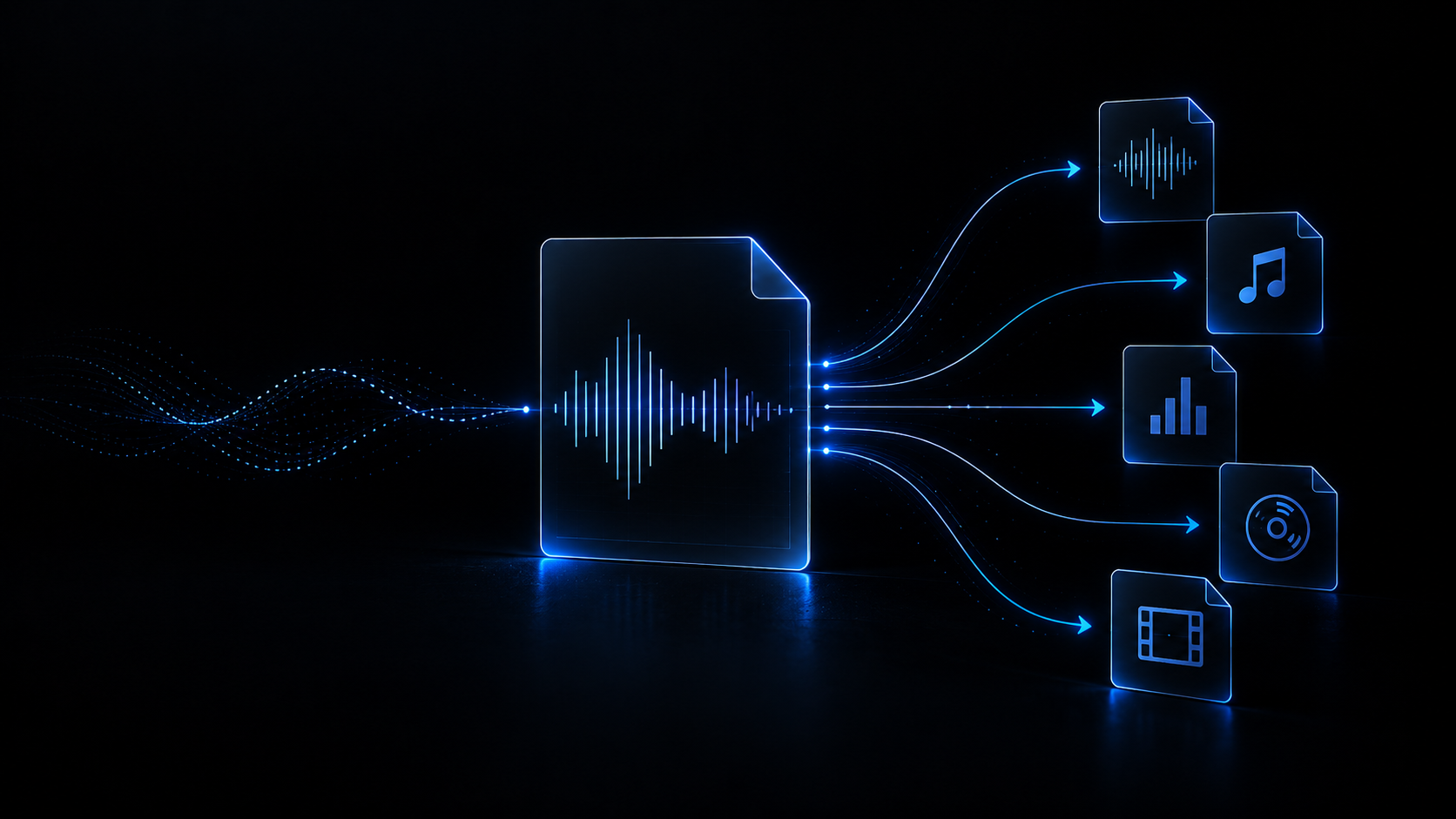
Get your tracks back into the format you need — WAV, AIFF or MP3 — with control over sample rate, bit depth, TPDF dither and optional peak normalisation. Everything runs in your browser through the Web Audio API: no uploads, no queues and no changes to your original file.

You can load: WAV MP3 FLAC AIFF / AIF OGG M4A / AAC
Outputs with a real encoder: WAV AIFF MP3

WAV, AIFF and MP3 genuinely encoded

Three JavaScript writers ship inside the project: WAV PCM at 16 bits with TPDF dither, 24 bits or 32-bit float IEEE; AIFF at 16 and 24 bits in big-endian order; and MP3 through LAME at 128, 192, 256 or 320 kbps CBR. No container is advertised as an output without the encoder that writes it.

  • WAV 16/24-bit PCM and 32-bit float with hard saturation over [-1, 1].
  • Mono or stereo MP3 through LAME, up to 320 kbps constant bitrate.

Resampling that keeps the pitch

When you pick a different rate, the audio is resampled through OfflineAudioContext, the browser’s own audio engine; if that context is unavailable, a linear-interpolation fallback takes over. Choose 44.1, 48, 88.2 or 96 kHz — or keep the source rate, which is the default.

  • 44.1 kHz for CD and USB drives, 48 kHz for video and digital sessions.
  • No speed change: resampling never shifts the pitch of the track.

Local processing, nothing uploaded

The file is opened with AudioContext.decodeAudioData on your own machine, encoded by pure JavaScript writers and handed back as a local download. There is no network request anywhere in the conversion path: your music never leaves the browser and the original is only ever read.

  • Zero megabytes uploaded, even when you work with heavy WAV or AIFF files.
  • The original file is never overwritten; only a new one is produced.

Dither, normalisation and batches on your terms

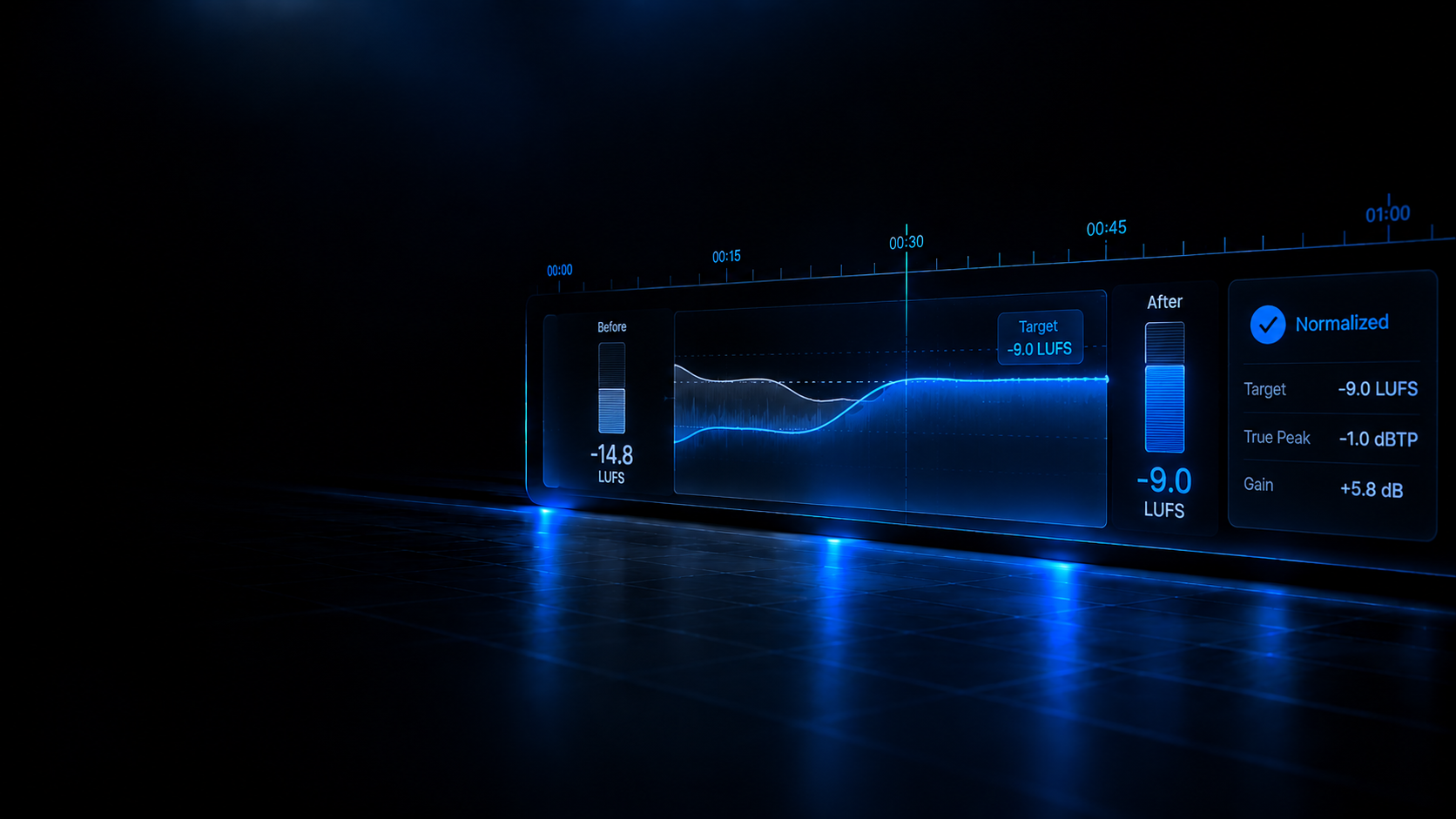
Peak normalisation to -0.1 dBFS is off by default and only runs when you tick it; TPDF dither is applied when quantising to 16 bits. You can load several files at a time — they are processed sequentially with a progress bar and a per-track status.

  • No clipping and no added gain unless you ask for it.
  • Every track in the batch shows its state: queued, processing, done or error.

Real-world use cases

What people actually solve with this converter before they play live.

Case 1 · USB prep

From studio to stick

Convert a 24-bit, 96 kHz master down to 16-bit, 44.1 kHz WAV or AIFF with TPDF dither before copying it to the USB drive you will take to the booth. It is the most widely read uncompressed PCM and almost every DJ player and DAW opens it with no extra settings.

Case 2 · Promo delivery

WAV or AIFF to MP3

Bring a clean master down to MP3 at 128, 192, 256 or 320 kbps CBR for previews, pools or press sends, without installing a desktop encoder and without losing the master, which stays untouched on your disk.

Case 3 · Rate matching

48 kHz to 44.1 kHz

A 48 kHz session recording, an 88.2 or 96 kHz master, or a video whose audio runs at 48 kHz — resample it to the rate you need without changing pitch and without opening a DAW just for that.

Case 4 · Batch conversion

A whole folder in one pass

Add several tracks, define a single format, rate and depth target, and let the queue convert them one by one with visible progress. Each result downloads as soon as it finishes, so you never wait for the entire batch.

DJ equipment compatibility: what it does and does not promise

We prepare standard files; the final check is always your own hardware manual.

This tool writes standard containers — WAV PCM, AIFF PCM and MP3 CBR — at the rates and depths booths usually run (44.1 and 48 kHz, 16 and 24 bits, plus 88.2 and 96 kHz). It is file preparation for DJ players, controllers and software, not a certification: there is no model table and no hardware validation anywhere in the code, so we cannot claim that a given file works in a given reference, nor promise that it fixes an "unsupported format" on a particular unit. The list of formats your player accepts lives in its manual — use this conversion as the first step and finish the check on your own hardware before you play.

  • Standard formats and parameters: WAV, AIFF and MP3 at 44.1/48 kHz and 16/24 bits.
  • No compatibility tables per model in the code: no device is certified here.
  • Before a gig, test the drive on the real equipment with the manual to hand.

Limitations worth knowing

Better to read them here than to find out halfway through a set.

Only WAV, AIFF and MP3 are encoded

The tool’s interface also offers FLAC, AAC/M4A and OGG, but this version ships no encoder that writes them. This page declares only the three containers that are genuinely produced: if you need FLAC, AAC or OGG, use a dedicated encoder.

Metadata does not travel to the new file

Audio is written from already-decoded PCM, so the output files carry no ID3 tags, artwork, BPM or key. Re-tag them with your library manager after converting.

Loss cannot be undone

If the source is already MP3, AAC or OGG, converting it to WAV or AIFF does not bring back what the codec discarded — it only changes the container and grows the file. The tool warns you when that happens, but it cannot reverse it.

AIFF writes 16 or 24 bits

This build’s AIFF writer does not accept 32-bit float: if you pick that depth with an AIFF output, the file comes out at 16 bits and the filename says so. Choose WAV when you need 32-bit float.

Your machine’s memory is the limit

We set no size cap, but the whole file is decoded into PCM in memory and the batch runs in sequence: with very large files the process depends on your RAM and can slow down.

Recommended Academy guides

Sample rate, bit depth, codecs and booth errors explained with rigour.

Enter the Academy
Browse all guides

Related tools

Complementary utilities to finish preparing your tracks.

View all converters