

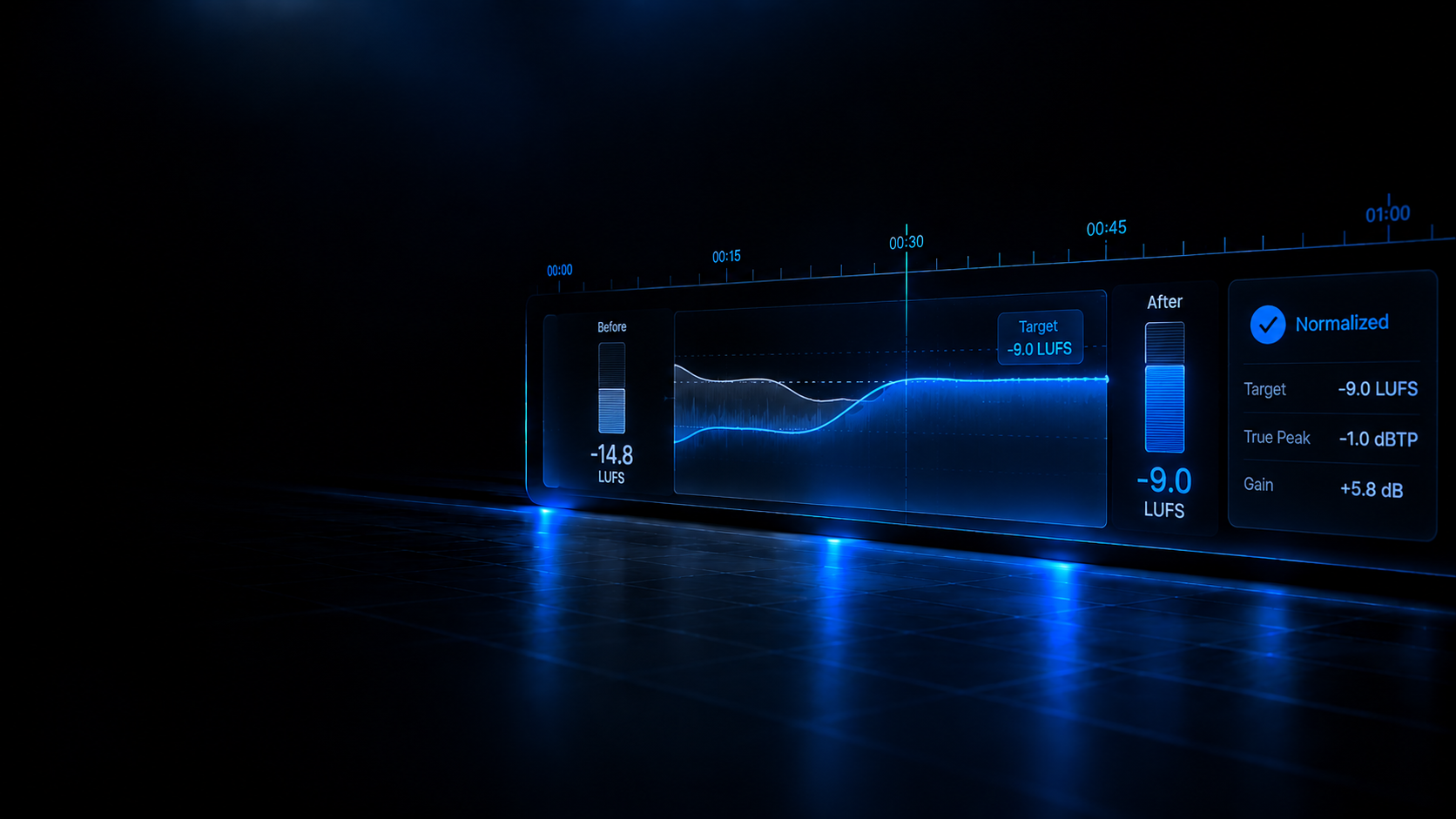
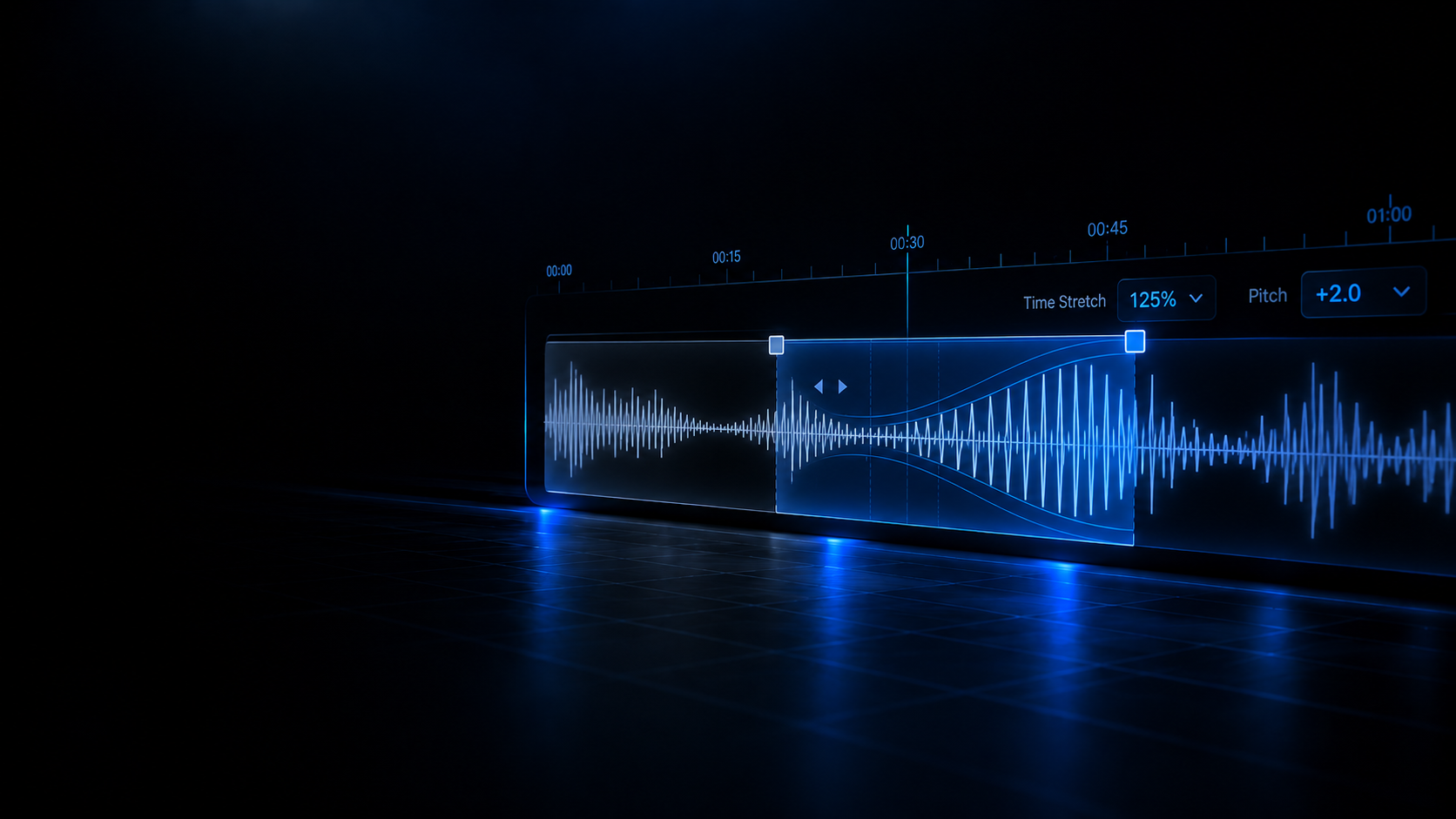
Create and remove tracks: addTrack and removeTrack live in the timeline model, and the editor adds a dedicated track when you import audio.
Library
Reading your local library…
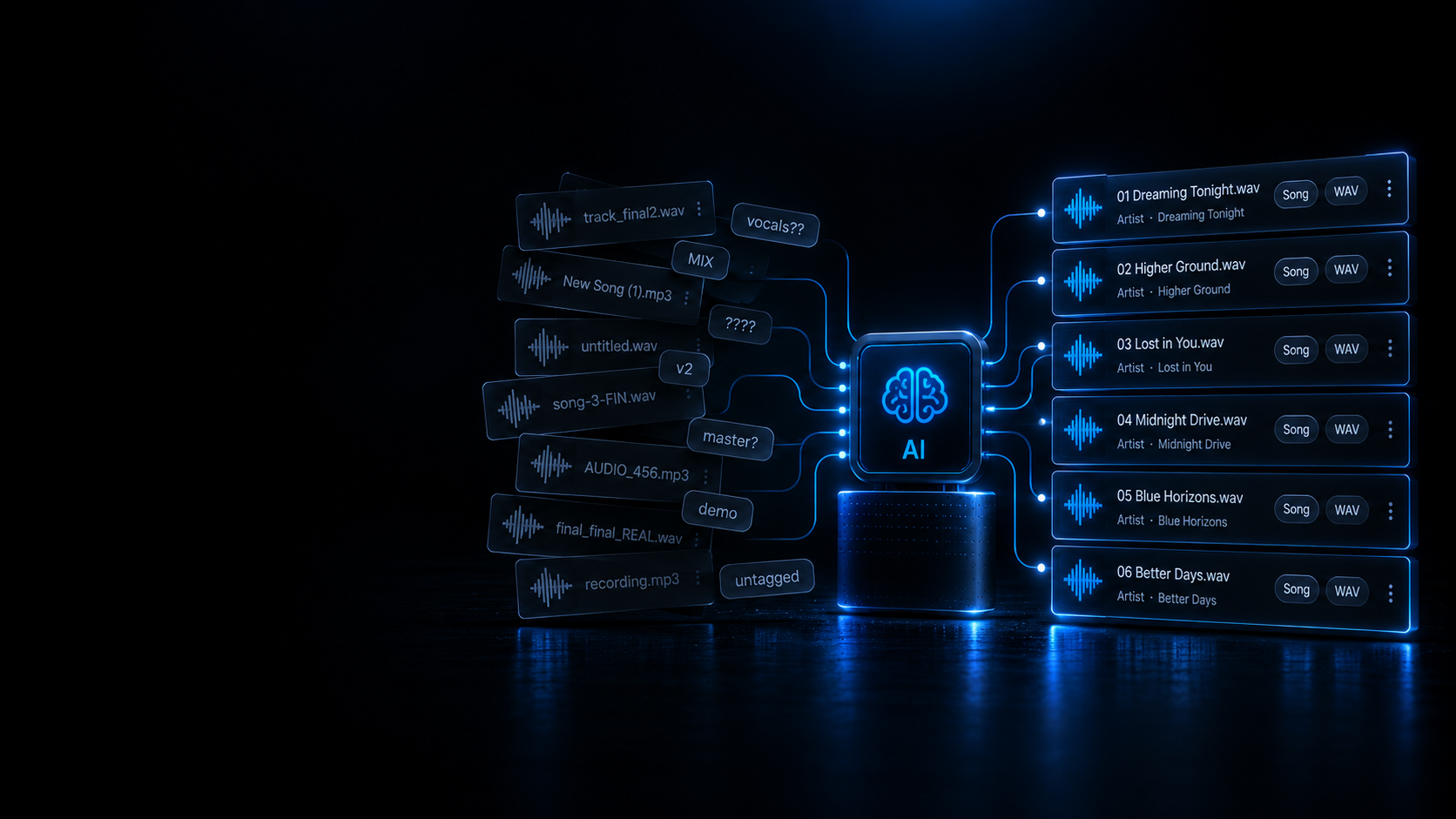
Smart DJ File Renamer.
Deterministic batch renamer for DJ library tracks based on metadata tags and audio analysis.
Load audio files, folders or playlists
Inspect metadata tags, detect messy names, and batch rename automatically or with manual inline edits.
Drop your audio tracks here or click to browse
Lossless (WAV, FLAC, AIFF) and Lossy (MP3, AAC, M4A) · Local Processing Only
Duplicate Detector & Safe Archiving.
Identify identical and alternate quality duplicate tracks in your collection.
Drag & drop files or folders
or click to browse
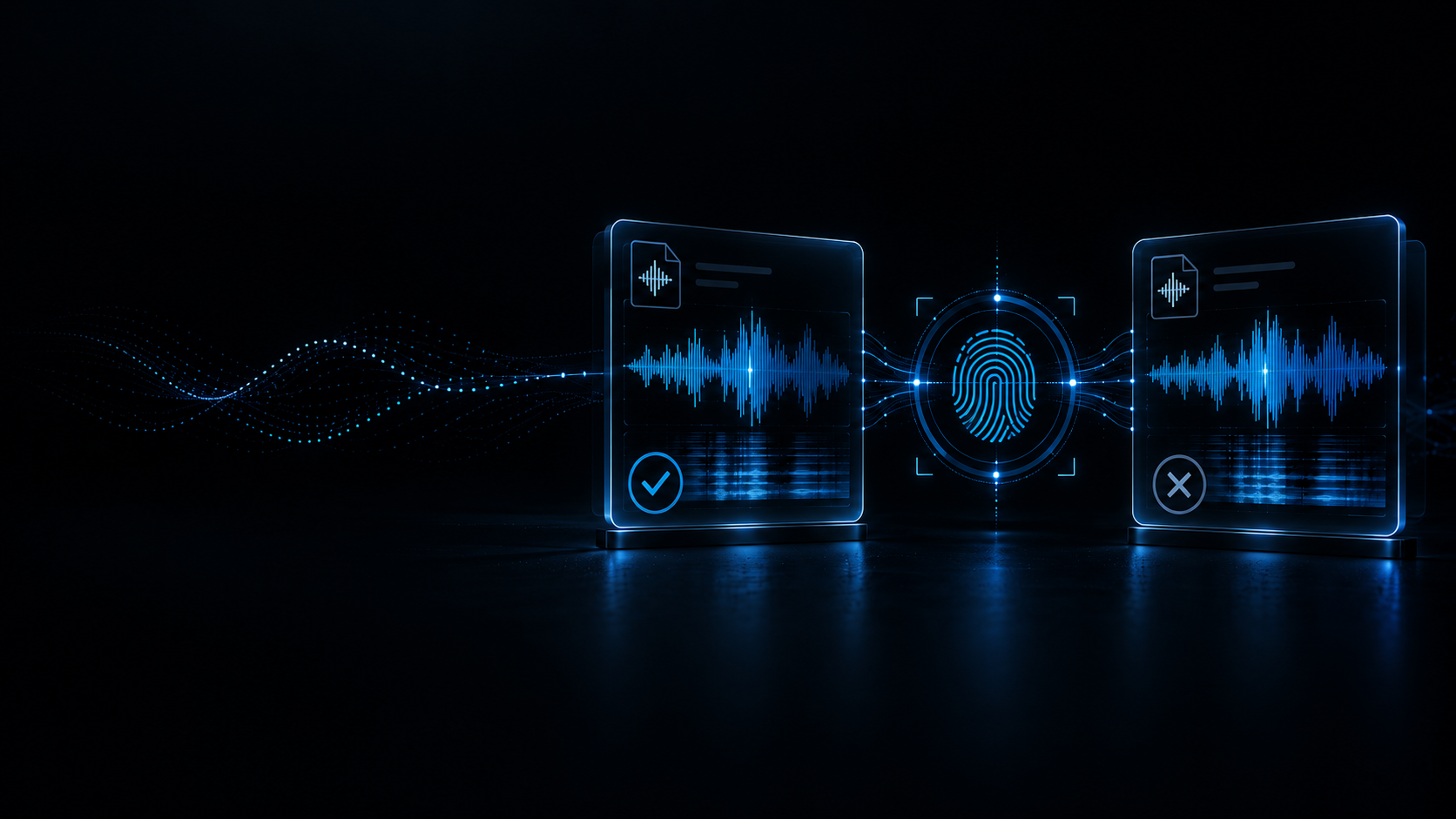
Detect exact duplicates (SHA-256) and acoustic matches with quality recommendations
←Home
DJ Database & Playlist Converter.
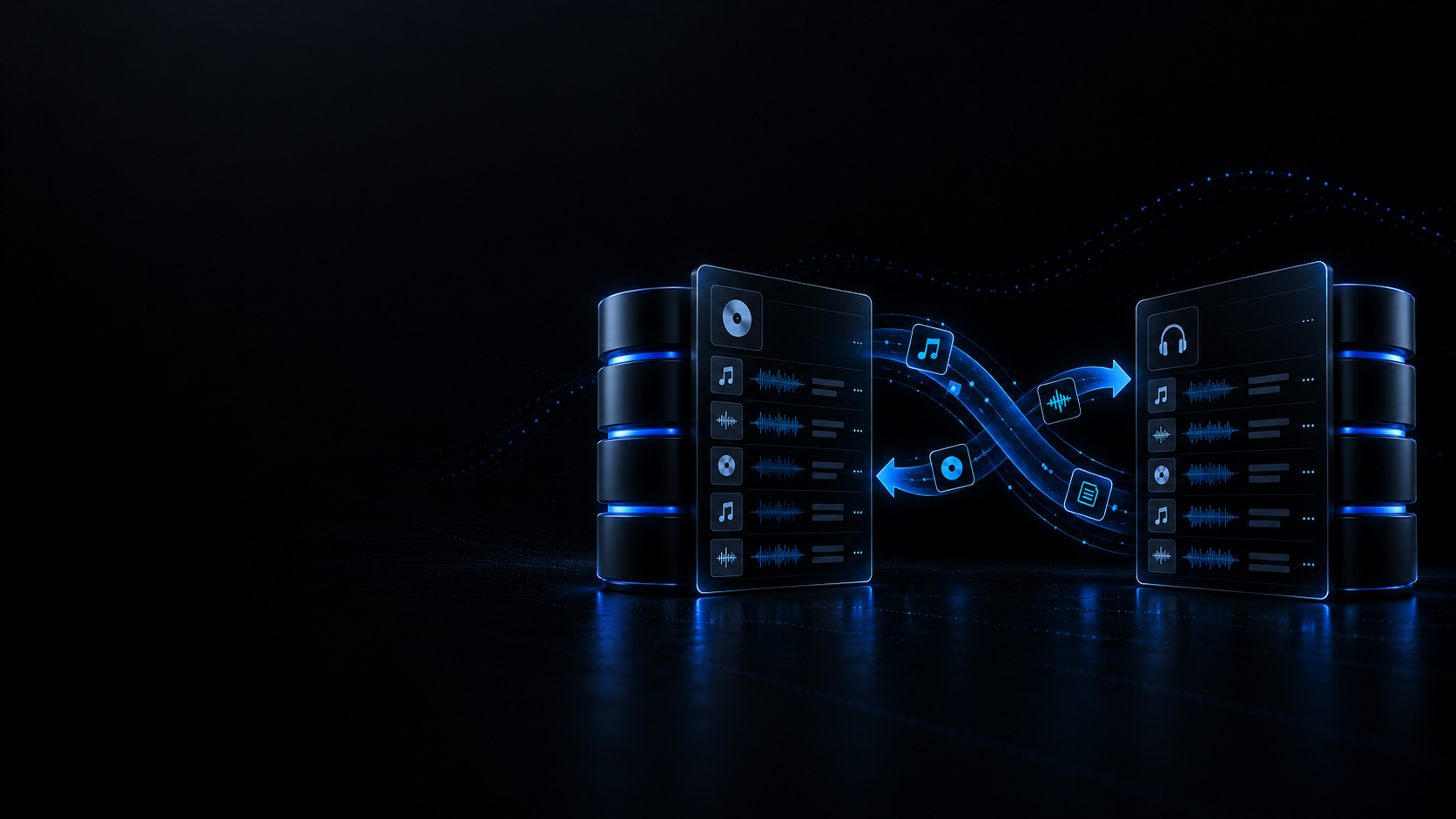
Convert Rekordbox, Traktor, VirtualDJ and Serato collections 100% locally.
Need to convert a USB flash drive in-place without duplicating audio?
Use DJ USB Converter In-Place →Source Library
or click to browse
Supports Rekordbox .xml, Traktor .nml, and VirtualDJ .xml
←Home
DJ USB Converter.
Transmute DJ USB drives between Pioneer, Denon Engine OS and Serato in-place without copying or duplicating audio files.
Looking to convert desktop collection files (.xml, .nml, .crate, .sql)?
DJ Library ConverterIntegrity Guarantee & Safe Backups
- Zero audio bytes duplicated: MP3, WAV, AIFF and FLAC files remain untouched in their original locations on the drive.
- Automatic pre-write backup: Before any database file is updated, an exact copy is verified and saved to Deckmatics Backups.
- Explicit access: The browser requests read/write permissions only when you explicitly click the button below.
DJ USB Storage Media
Transmutes existing DJ USB drives in-place without copying or duplicating audio files.
Connect or select your USB drive to inspect its DJ topology.
Pioneer, Engine Library and _Serato_ folders will be checked to provide cross-compatibility without touching your audio tracks.
Multitrack Editor.
BAR1.1.1
TIME00:00.000
BPM
SIG4/4
Snap
Grid
TRACKS (2)
1(0:00)
2
3
4
5
6
7
8
9(0:16)
10
11
12
13
14
15
16
17(0:32)
18
19
20
21
22
23
24
25(0:48)
26
27
28
29
30
31
32
33(1:04)
34
35
36
37
38
39
40
41(1:20)
42
43
44
45
46
47
48
49(1:36)
50
51
52
53
54
55
56
57(1:52)
58
59
60
61
62
63
64
65(2:08)
66
67
68
69
70
71
72
73(2:24)
74
75
76
77
78
79
80
81(2:40)
82
83
84
85
86
87
88
89(2:56)
90
Track 1
PanC
Volume-3.0 dB
Track 2
PanC
Volume-3.0 dB
MMASTER
BUSPanC
Volume0.0 dB
MASTER OUTPUT BUS|0.0 dB
Empty Project Session
Drag and drop audio files here or use the buttons below to import tracks.
Audio Editor.
Drag & drop files or folders
or click to browse
Studio Audio Recorder.
High-fidelity audio recording for microphones, DJ USB sound cards or system audio with peak and RMS metering
IDLE
00:00.000
PEAK VUMETER
L
-inf
0 dB-3-6-12-18-24-36-48-60 dB
R
-inf
48.0 kHz · 24-bit PCM
Online Multitrack Audio Editor
Online Multitrack Audio Editor
Build quick DJ edits and layered arrangements in a browser-based multitrack workspace using only implemented editor features.
Supported formats: WAV
What this tool actually does
Build quick DJ edits and layered arrangements in a browser-based multitrack workspace using only implemented editor features.
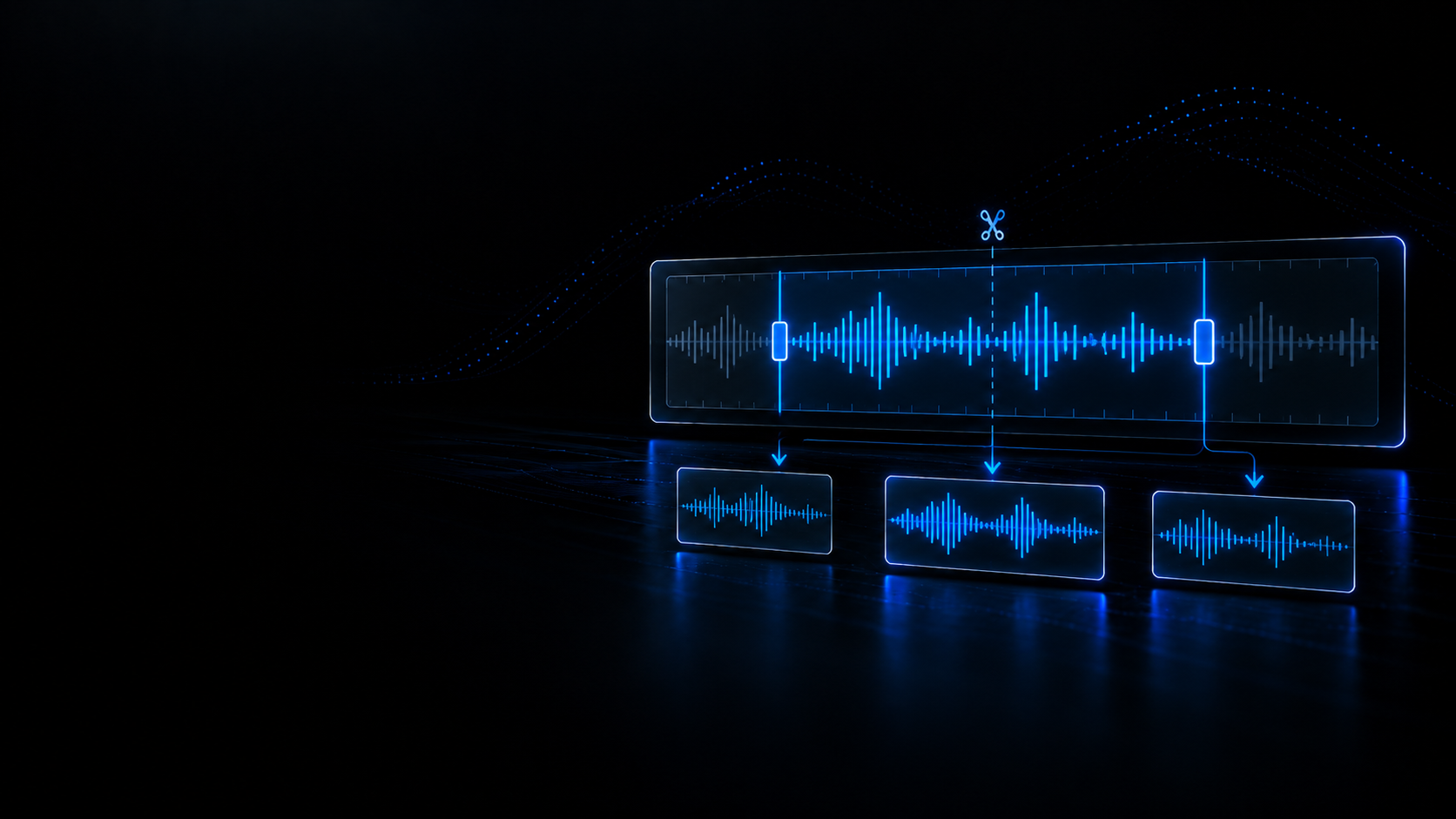
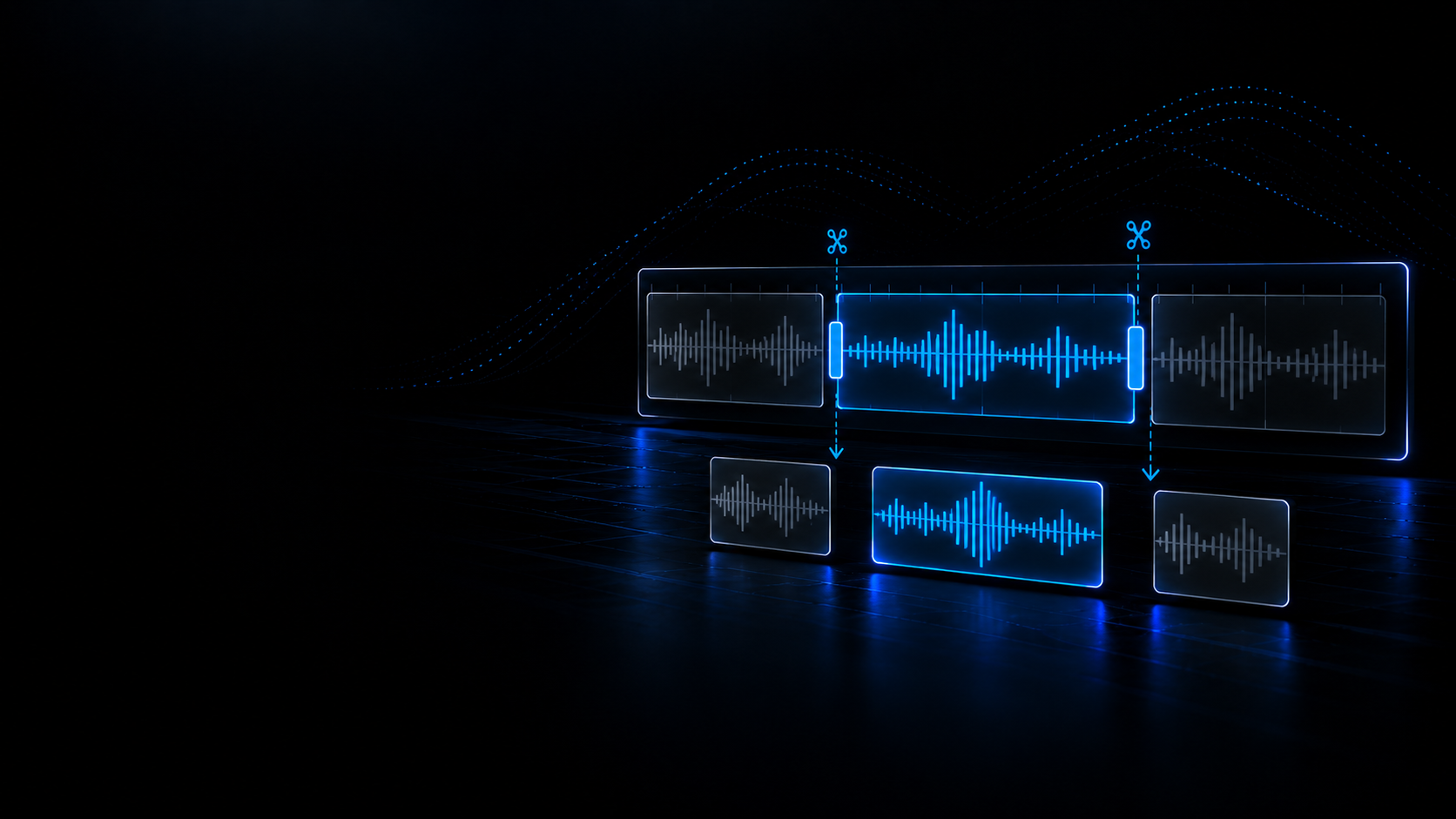
Move, trim, split, duplicate and delete clips without touching the original audio, and copy and paste clips with the Copy and Paste tools over a dedicated clipboard.
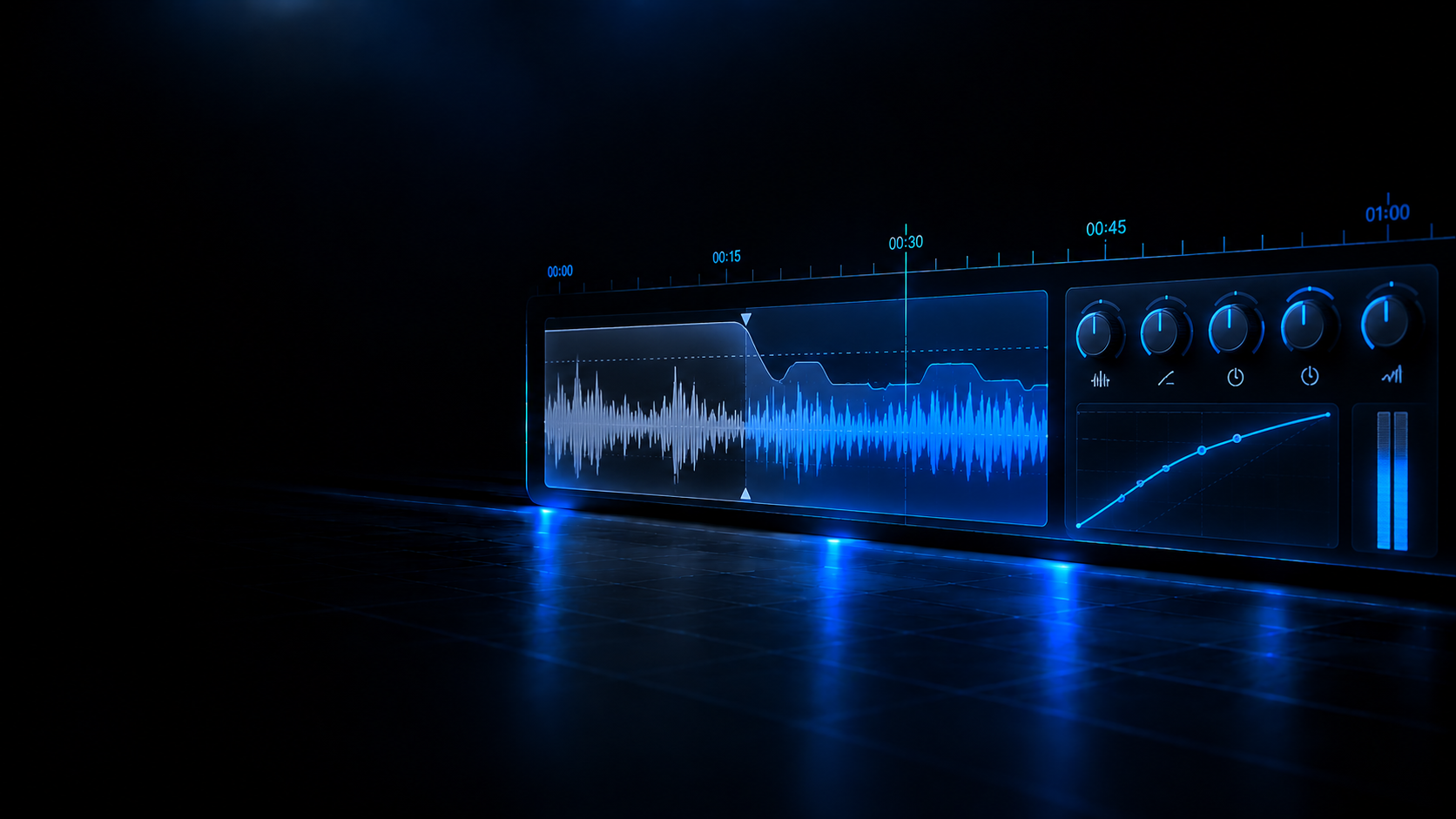
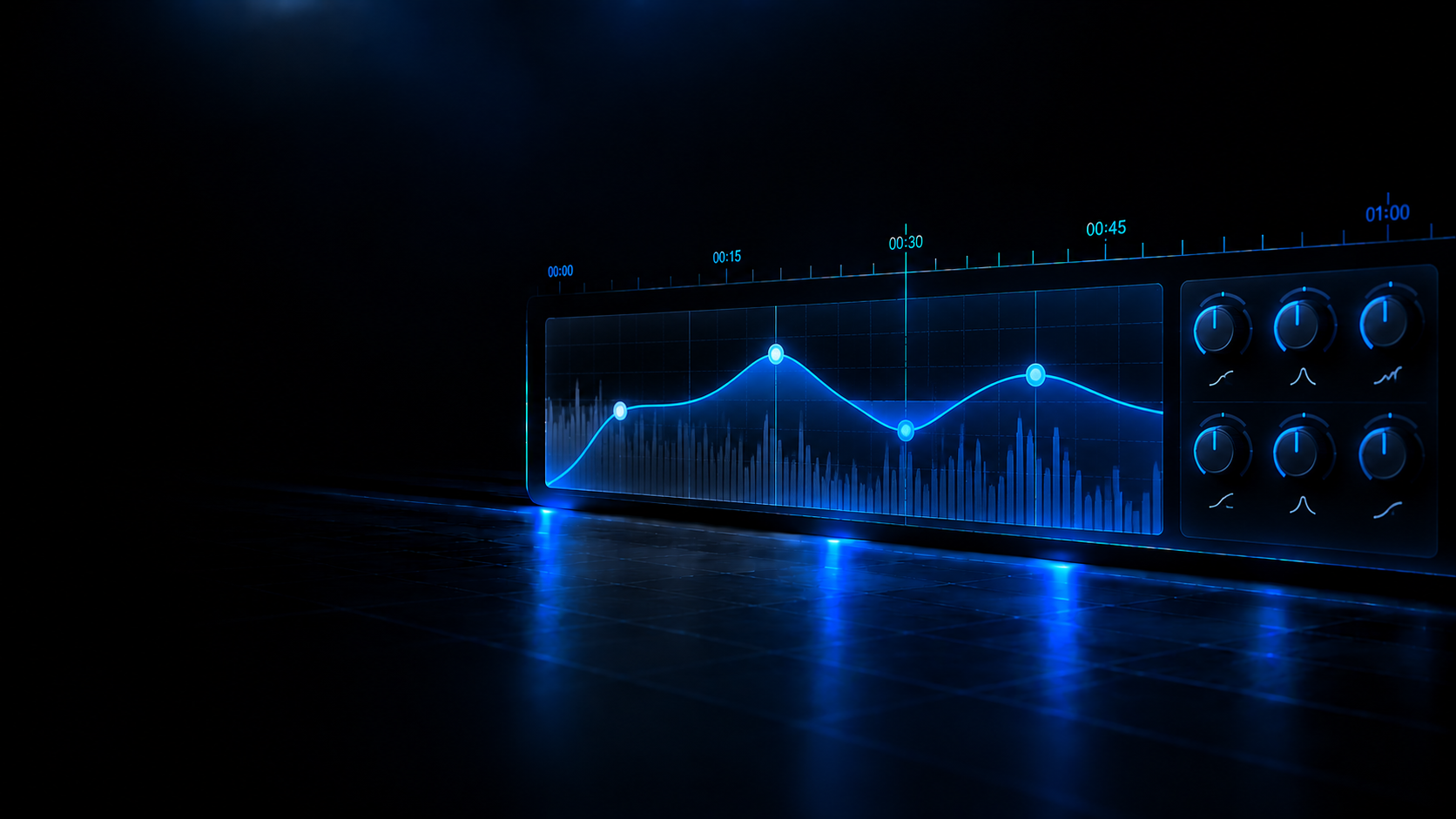
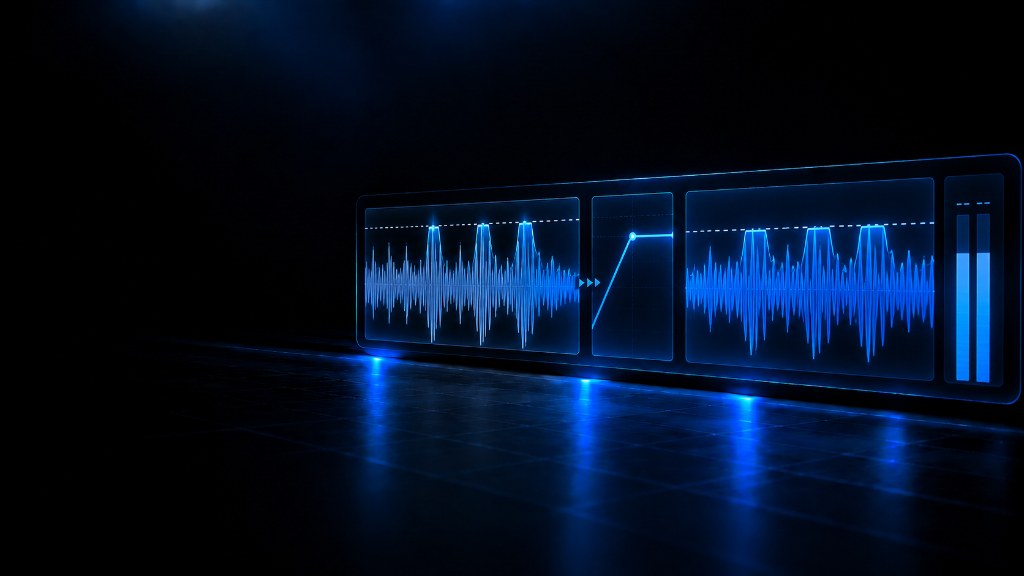
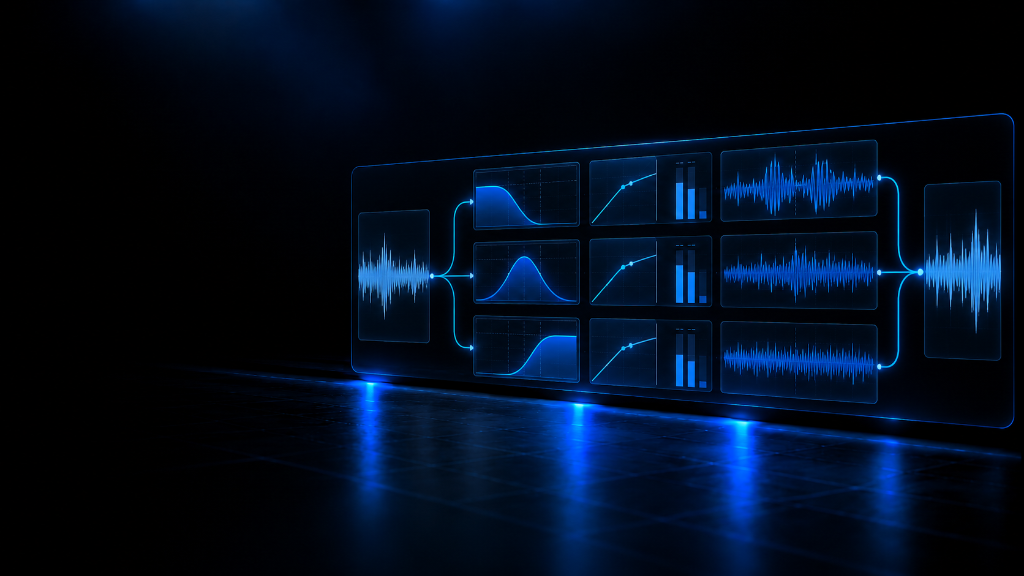
A single effect registry drives both realtime monitoring and offline rendering, with parametric EQ, compressor, multiband compressor and brickwall limiter registered out of the box.
Save and reopen the whole project as a .deckproj ZIP that bundles its audio, with older project versions migrated on decode.
Export the master mixdown by rendering the timeline with an OfflineAudioContext and downloading it as a 16-bit stereo WAV.
Work on a musical grid: divisions from 1/1 to 1/32 including triplets, time-to-bar conversion and snap of clips to the grid lines.
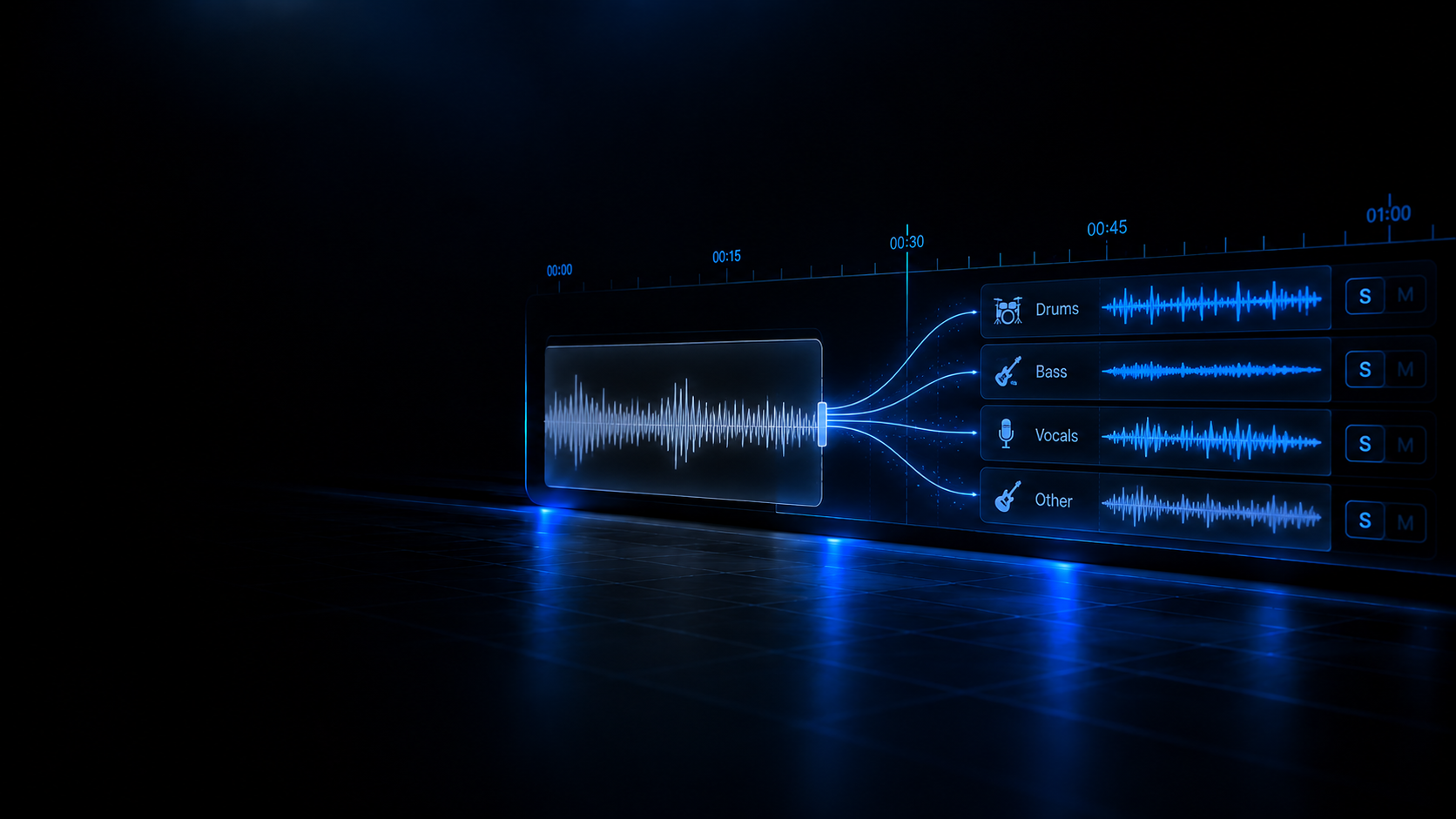
Split a track into four stems —drums, bass, instrumental and vocals— and drop them in as new project tracks.
Real-world use cases
What people actually solve with this converter before they play live.
Prepare tracks before a DJ set.
Fix or process files without opening a full DAW.
Keep the workflow focused on the specific task instead of a general-purpose editor.
Recommended Academy guides
Sample rate, bit depth, codecs and booth errors explained with rigour.
Acapella & Vocals · ES
Acapellas for DJs: Stems, De-noise, Chops and Stutters
How to prepare acapellas: stem separation, de-noise, de-reverb, pitch and tempo, chops and stutters in the booth (Academy guide in Spanish).
Read guide (ES)
Lossless Verification
Fake Transcodes: How to Detect Counterfeit MP3 320 and Upsampled FLAC
Why converting 128 kbps audio to WAV or FLAC never restores lost frequencies, and how to spot phantom cutoffs on a spectrogram.
Read guide
Related tools
Complementary utilities to finish preparing your tracks.
Audio Trim & Split
Trim or split supported audio files with the exact editing and export behavior implemented by the current tool.
Open tool
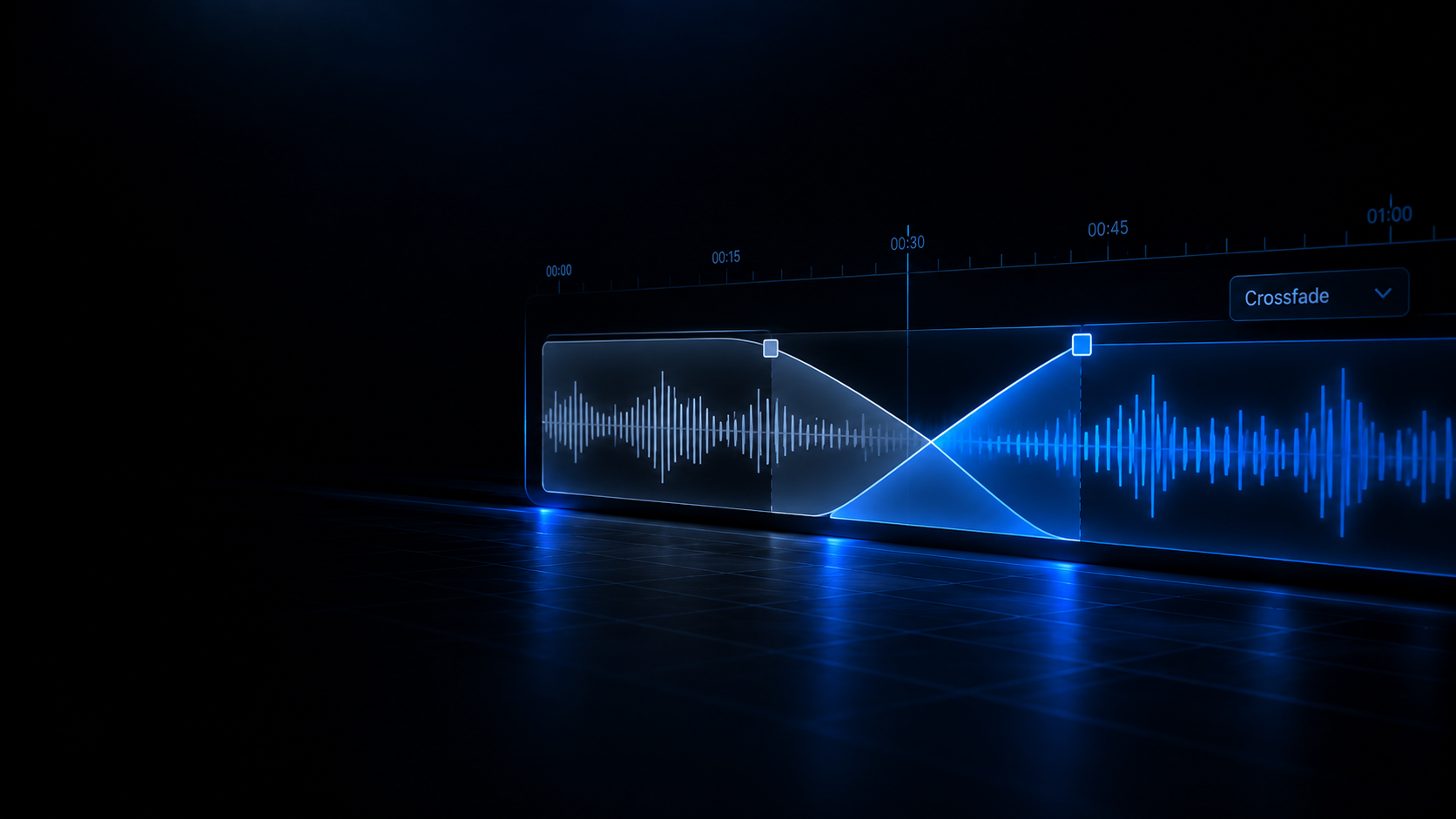
Audio Fades & Crossfade
Apply exponential, logarithmic, or linear Fade In / Fade Out curves, or create harmonic transitions between two DJ tracks.
Open tool
AI Stem Separator
Split songs into 4 isolated stems (Vocals, Drums, Bass, Instrumental) on-device using local neural models with zero uploads.
Open tool