



Library

Reading your local library…
Local DJ library in your browser

Online DJ Library Manager: Browse, Sort and Preview Your Tracks

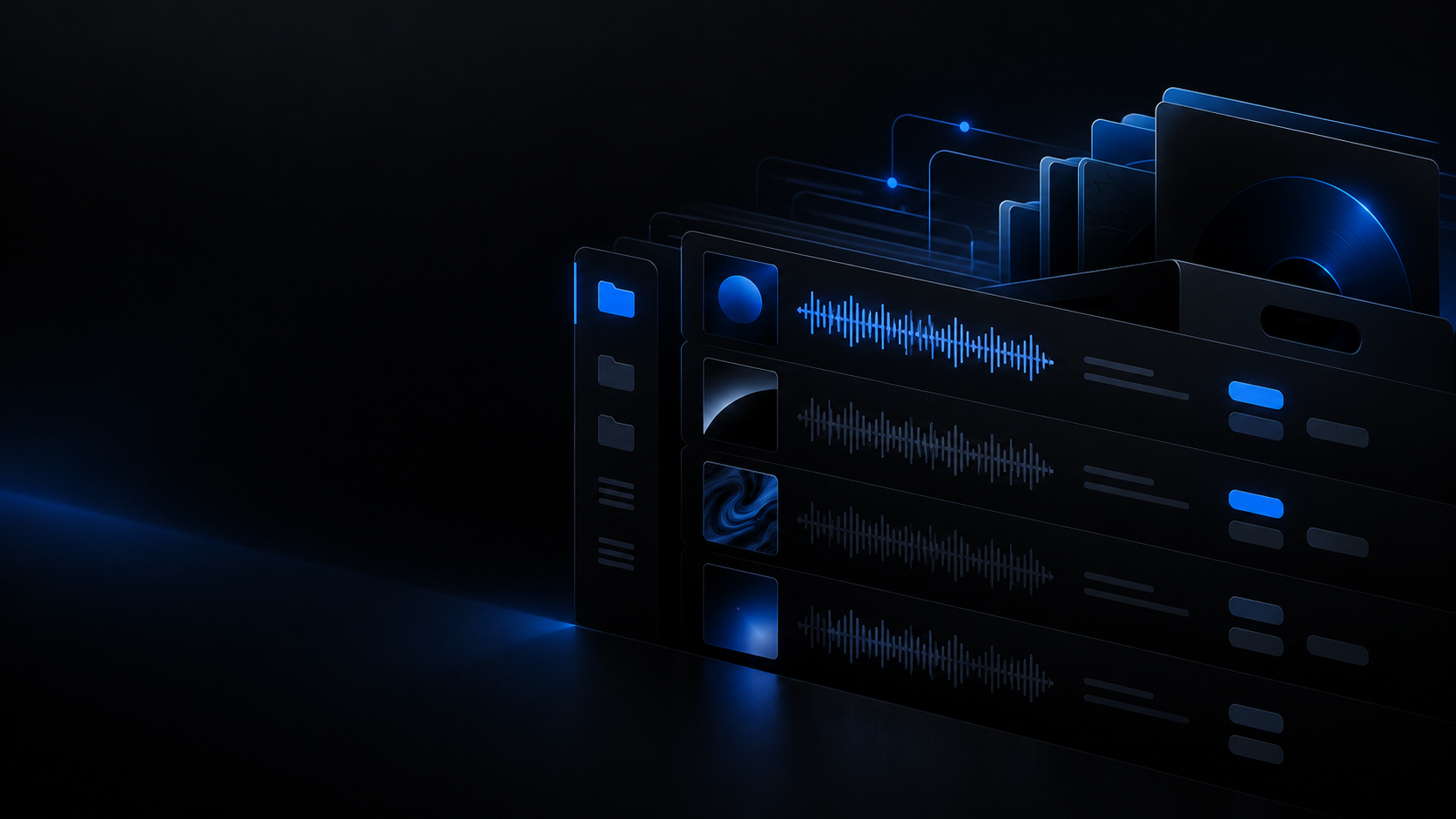
Your collection is indexed in IndexedDB and shown in a 22-column table: search by title, artist, album, genre or folder, sort by 11 keys, listen in a built-in deck, and export CSV, JSON or Rekordbox XML. Your files are opened read-only and never uploaded to a server.

What you see in the table: Title, artist and folder BPM, key and duration Format, bitrate and sample rate LUFS, True Peak and quality
Formats the importer accepts: MP3 WAV FLAC AIFF / AIF OGG M4A AAC Opus

What this library really does

Four capabilities you can check in the code, not in a sales pitch.

22 columns in two densities

The compact view shows 22 columns and the ultra-compact view 20, with fixed widths so header and body line up; whatever does not fit your window hides on its own and returns when you widen it. Title, artist, BPM, key, format, bitrate, sample rate, LUFS, True Peak, quality and signal issues sit in the same row.

  • Columns hide by viewport width instead of clipping a cell in half.
  • The # column is a position within the current scope, which is why it is not sortable.

Token search and tab filters

Search covers title, artist, album, genre and relative path, case- and accent-insensitively; every word is an independent token that must appear somewhere, so "kos a1" finds the artist whose key is A1. The query never becomes a regular expression, so a title full of symbols cannot break the table. The all, pending, favorites, played and imported tabs, the source selector and the folder and playlist trees narrow the list without clearing your selection.

  • Five fields matched with AND: title, artist, album, genre and path.
  • A folder tree built from the paths, plus playlists imported from a Rekordbox XML.

Built-in listening deck

Load a track into a local player backed by the file you just opened: spacebar for play and pause, seek on the waveform, quantize from 1/1 to 1/8 on the beatgrid, and up to 8 hotcues dragged with magnetic snapping. All of the audio is decoded on your machine.

  • Up to 8 hotcues per track, with 1/1, 1/2, 1/4 and 1/8 quantize.
  • The waveform is drawn from the audio decoded in your browser.

Analysis and metadata without uploading audio

The analysis queue computes BPM, key, LUFS, True Peak and spectral ceiling on your machine and stores the result in a local cache that keeps at most 2,000 records and drops the oldest. The external metadata lookup (MusicBrainz, iTunes) is optional, moves text only and runs only if you consent: no byte of audio travels with that request.

  • Analysis cache capped at 2,000 records, oldest records evicted first.
  • External metadata only with consent, and only the text of the query.

Real-world use cases

What this view solves before you load the USB stick.

Case 1 · Before you play

Find a track in seconds

Type two words and the list shrinks to the rows containing both, in any field. Ties are stable — title first, then path — so the view does not jump around while you sort.

Case 2 · Quick check

Listen without leaving the table

Load the track into the deck, jump with the spacebar and set the intro hotcues to know whether it drops in cleanly before it goes on the USB stick.

Case 3 · Sort by what matters

Eleven keys, missing values last

Sort by title, artist, genre, rating, duration, date added, BPM, key, quality, signal issues or format. A value that does not exist goes last in both directions: pressing "BPM descending" never puts twenty un-analysed tracks on top.

Case 4 · Take it with you

CSV, JSON and Rekordbox XML

Export the selection as analysis CSV and JSON — carrying the analyzer version so a result can be reproduced — or as Rekordbox XML written row by row in the source dialect, keeping TrackID, location, cues and playlists. A full backup of the index downloads alongside.

What is stored and what is not

Three local stores and no upload: what your collection looks like after you close the tab.

The index lives in IndexedDB and keeps only what a cell prints — a few hundred bytes per row — with no decoded audio, no waveform peaks and no spectrogram matrix. Analysis results live in a separate cache capped at 2,000 records, and the permissions of the folders you linked are stored separately so they can be requested again.

  • Folders open in read-only mode: nothing here renames, moves, deletes or re-tags the files on your disk.
  • Favorites and the index survive a reload; access to the files is requested again and restored with the reconnect button.
  • The only outbound call is the text metadata lookup, and only if you accept it: your audio never leaves the machine.

Limits worth knowing

We would rather publish them than have you discover them halfway through an import.

It does not write to your tags

Swapping artist and title and applying lookup fields is saved to the app index; the files on your disk stay untouched. To rewrite the real ID3, use your DJ software or a separate tag editor.

After a reload the folder needs authorising again

The browser withdraws folder permission on reload: the index is still there, but the files show as disconnected until you authorise again with the reconnect button. If the permission was not persisted, you have to pick the folder again.

The analysis cache drops the oldest records

Above 2,000 records the oldest analyses are evicted so the cache cannot grow without bound. Re-analysing costs time, so export a backup before clearing site storage.

No account and no sync

There is no sign-up, no cloud and no multi-device sync: the collection lives in this browser. Clearing site data removes the index, which is what the CSV, the JSON and the full backup are for.

Recommended Academy guides

Organisation, metadata and backups to keep the collection in order.

Browse all guides

Related tools

Complementary utilities to audit and maintain your collection.

View all tools