

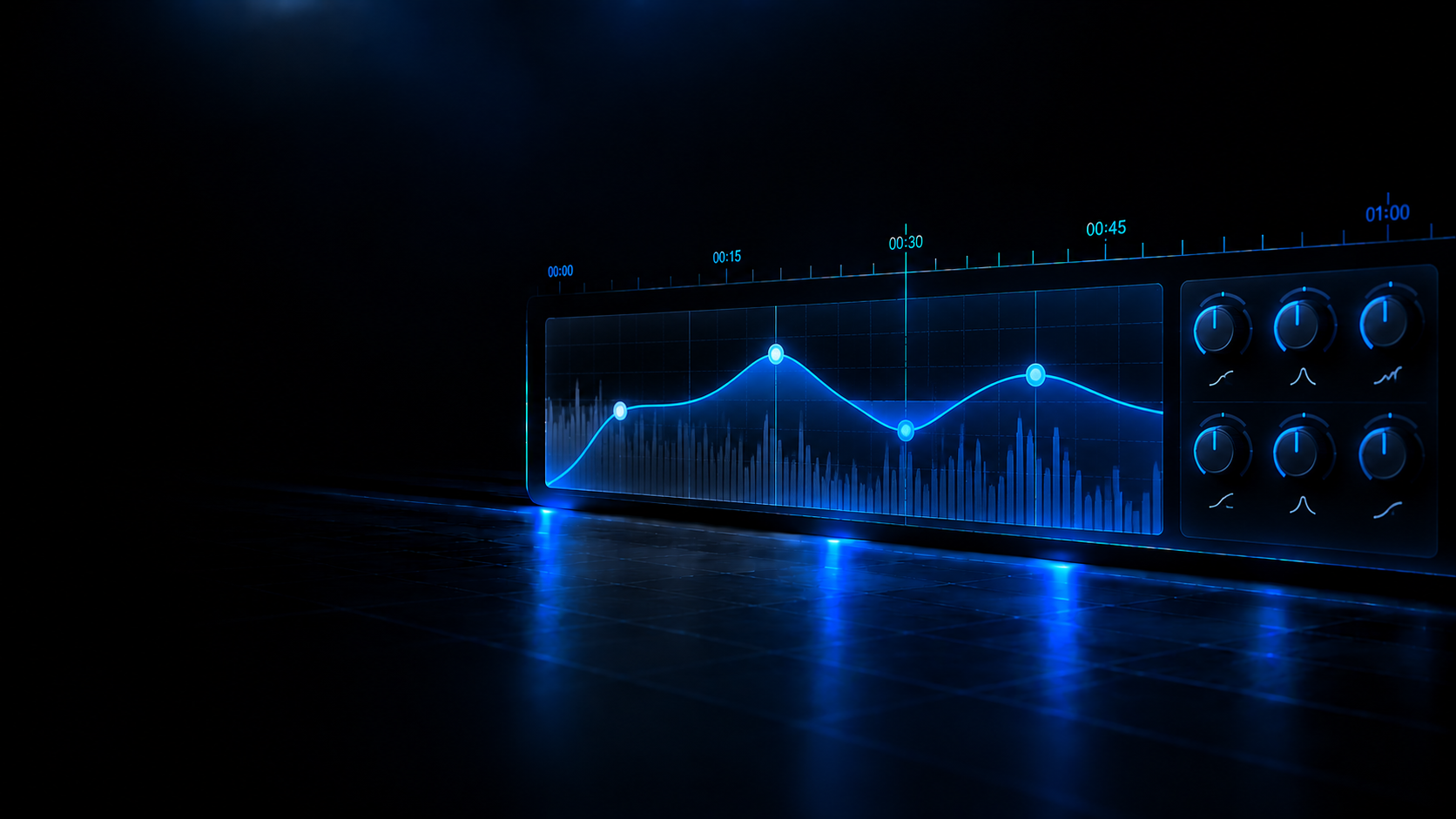
The equalizer has exactly 7 bands: by default a low cut at 30 Hz, a low shelf at 100 Hz, three bells at 350, 1200 and 3800 Hz, a high shelf at 8500 Hz and a high cut at 19000 Hz.
Library
Reading your local library…
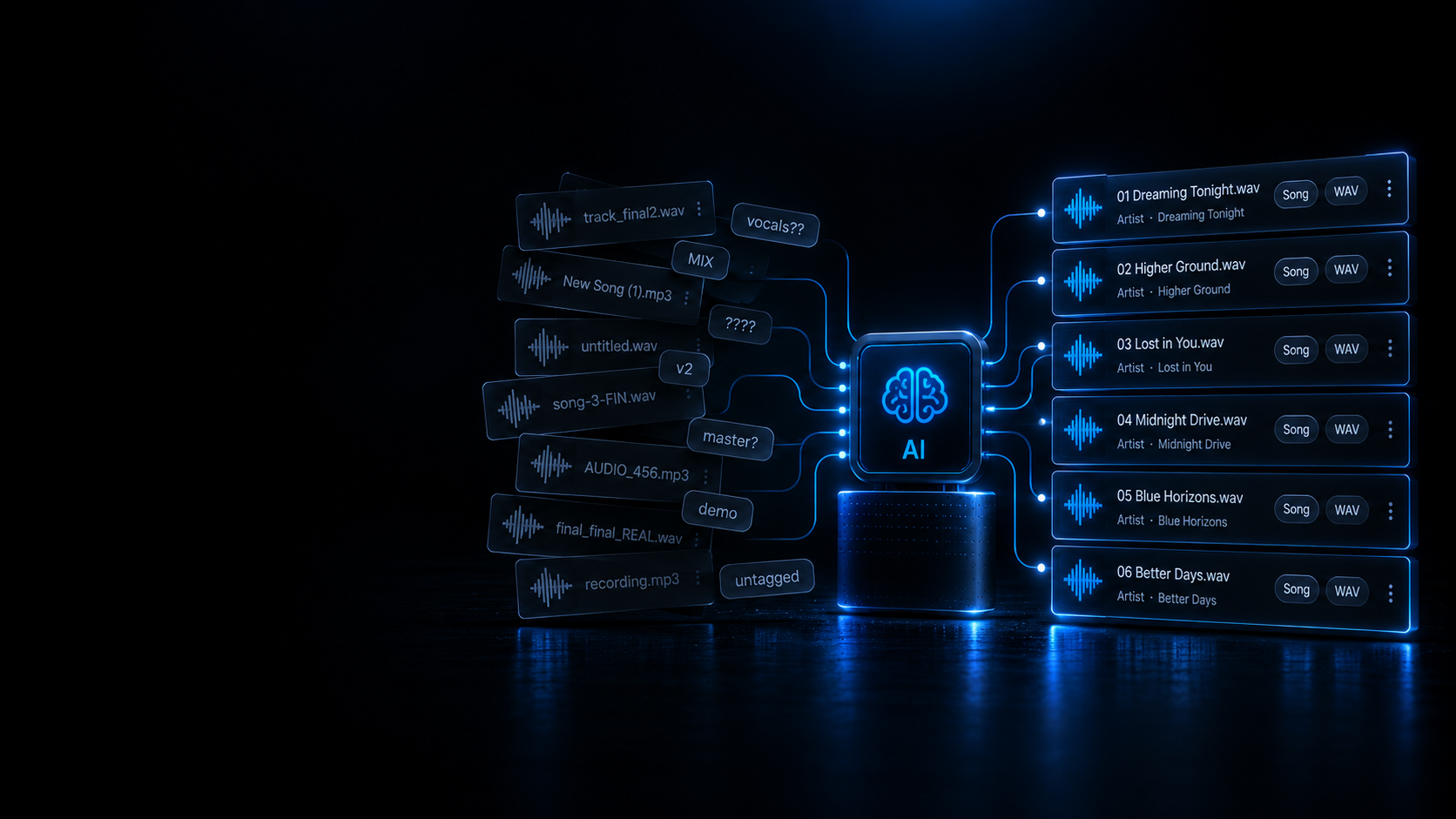
Smart DJ File Renamer.
Deterministic batch renamer for DJ library tracks based on metadata tags and audio analysis.
Load audio files, folders or playlists
Inspect metadata tags, detect messy names, and batch rename automatically or with manual inline edits.
Drop your audio tracks here or click to browse
Lossless (WAV, FLAC, AIFF) and Lossy (MP3, AAC, M4A) · Local Processing Only
Duplicate Detector & Safe Archiving.
Identify identical and alternate quality duplicate tracks in your collection.
Drag & drop files or folders
or click to browse
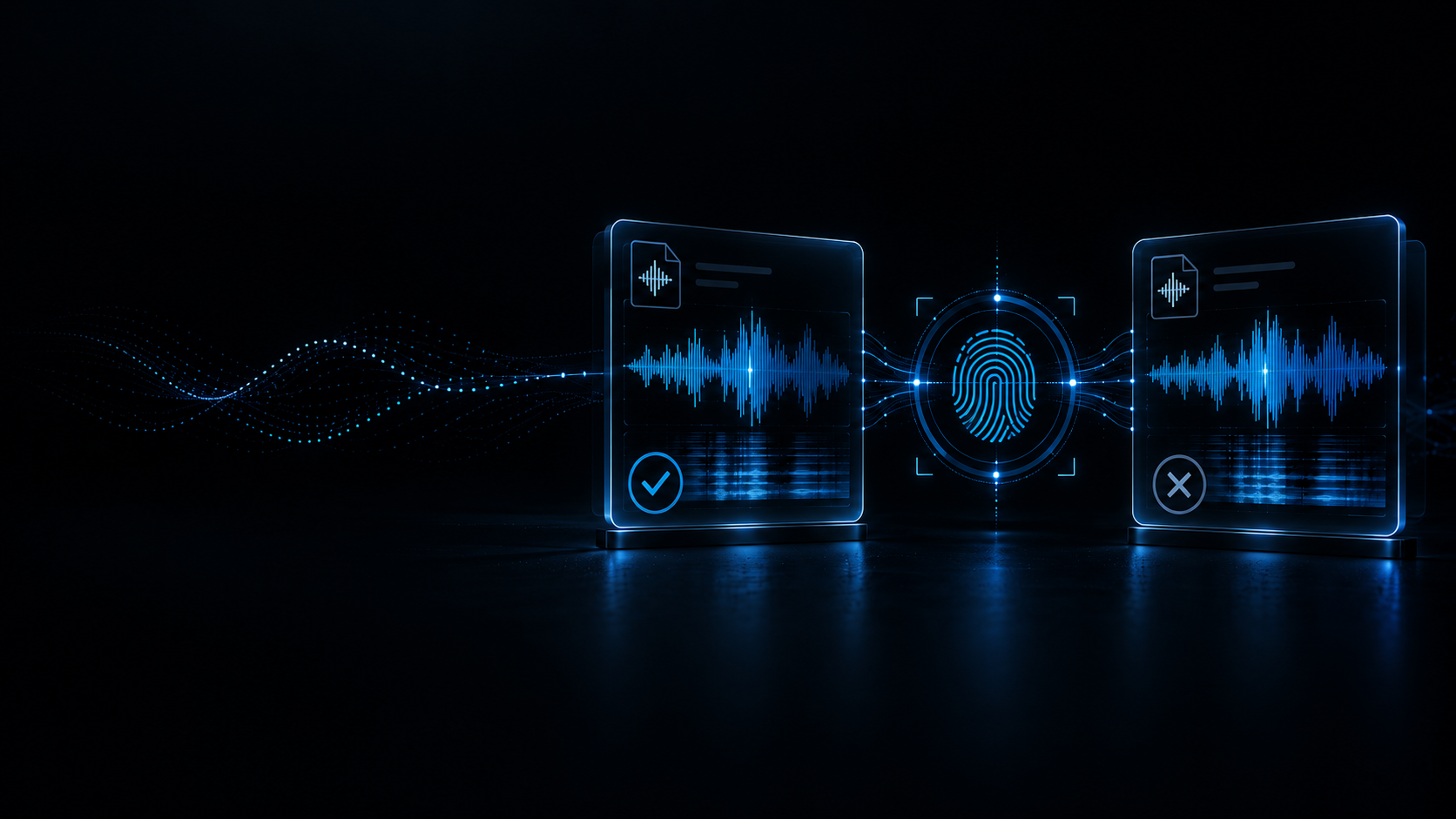
Detect exact duplicates (SHA-256) and acoustic matches with quality recommendations
←Home
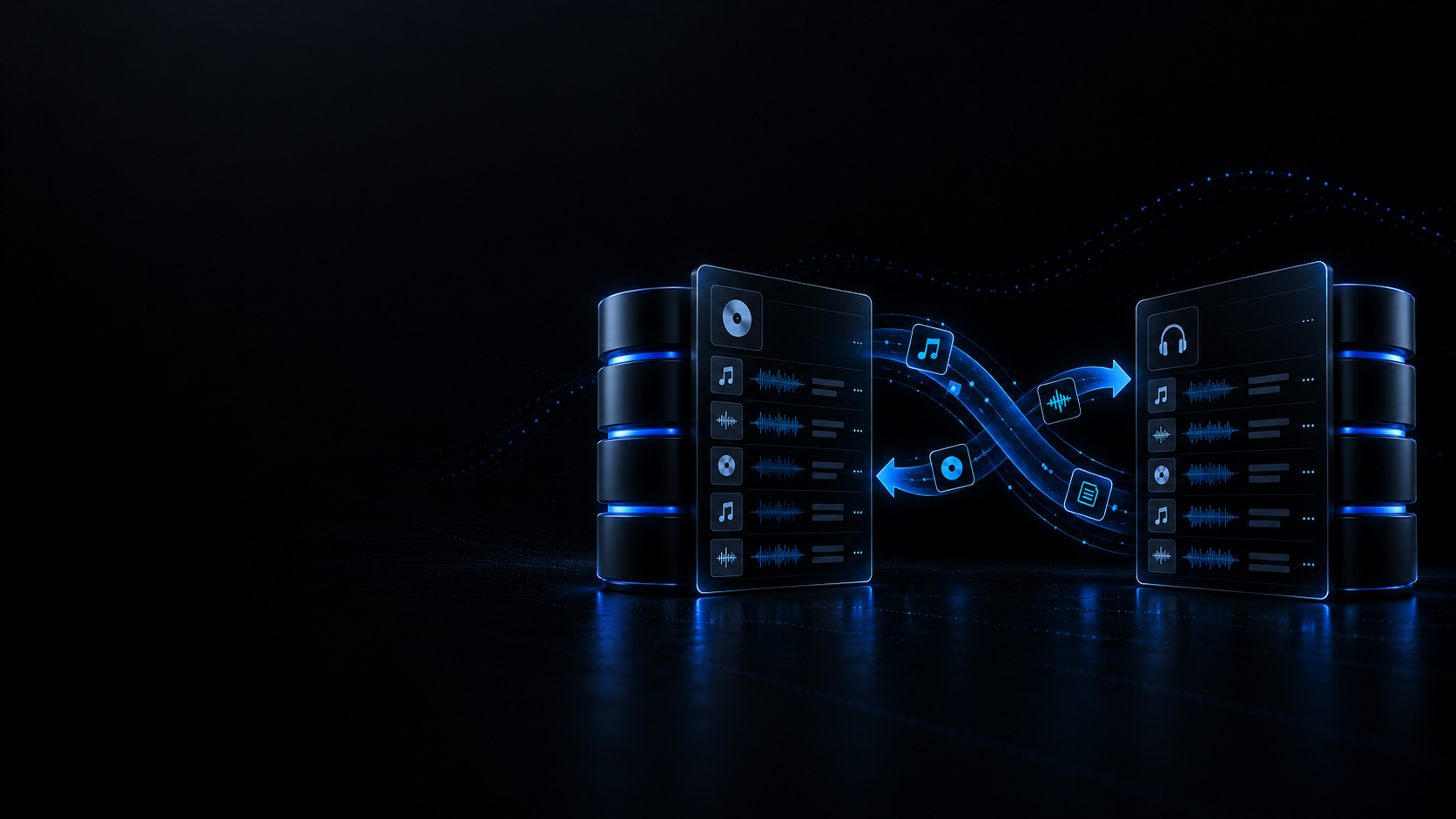
DJ Database & Playlist Converter.
Convert Rekordbox, Traktor, VirtualDJ and Serato collections 100% locally.
Need to convert a USB flash drive in-place without duplicating audio?
Use DJ USB Converter In-Place →Source Library
or click to browse
Supports Rekordbox .xml, Traktor .nml, and VirtualDJ .xml
←Home
DJ USB Converter.
Transmute DJ USB drives between Pioneer, Denon Engine OS and Serato in-place without copying or duplicating audio files.
Looking to convert desktop collection files (.xml, .nml, .crate, .sql)?
DJ Library ConverterIntegrity Guarantee & Safe Backups
- Zero audio bytes duplicated: MP3, WAV, AIFF and FLAC files remain untouched in their original locations on the drive.
- Automatic pre-write backup: Before any database file is updated, an exact copy is verified and saved to Deckmatics Backups.
- Explicit access: The browser requests read/write permissions only when you explicitly click the button below.
DJ USB Storage Media
Transmutes existing DJ USB drives in-place without copying or duplicating audio files.
Connect or select your USB drive to inspect its DJ topology.
Pioneer, Engine Library and _Serato_ folders will be checked to provide cross-compatibility without touching your audio tracks.
Multitrack Editor.
BAR1.1.1
TIME00:00.000
BPM
SIG4/4
Snap
Grid
TRACKS (2)
1(0:00)
2
3
4
5
6
7
8
9(0:16)
10
11
12
13
14
15
16
17(0:32)
18
19
20
21
22
23
24
25(0:48)
26
27
28
29
30
31
32
33(1:04)
34
35
36
37
38
39
40
41(1:20)
42
43
44
45
46
47
48
49(1:36)
50
51
52
53
54
55
56
57(1:52)
58
59
60
61
62
63
64
65(2:08)
66
67
68
69
70
71
72
73(2:24)
74
75
76
77
78
79
80
81(2:40)
82
83
84
85
86
87
88
89(2:56)
90
Track 1
PanC
Volume-3.0 dB
Track 2
PanC
Volume-3.0 dB
MMASTER
BUSPanC
Volume0.0 dB
MASTER OUTPUT BUS|0.0 dB
Empty Project Session
Drag and drop audio files here or use the buttons below to import tracks.
Parametric EQ.
Drag & drop files or folders
or click to browse
Studio Audio Recorder.
High-fidelity audio recording for microphones, DJ USB sound cards or system audio with peak and RMS metering
IDLE
00:00.000
PEAK VUMETER
L
-inf
0 dB-3-6-12-18-24-36-48-60 dB
R
-inf
48.0 kHz · 24-bit PCM
Parametric EQ Online
Parametric EQ Online
Shape frequency balance with the bands, filter types and controls that are actually available in the EQ.
Supported formats: WAV MP3 AIFF
What this tool actually does
Shape frequency balance with the bands, filter types and controls that are actually available in the EQ.
Five filter types are implemented — low cut (high-pass), low shelf, bell (peaking), high shelf and high cut (low-pass) — and mapBandTypeToBiquad turns each one into a BiquadFilterNode.
Every band is tunable from 20 Hz to 20 000 Hz, the same range the interactive curve is drawn and labelled on (20 Hz to 20 kHz).
Each band applies between -18 dB and +18 dB of gain, in 0.5 dB steps.
The Q control sets the bandwidth of every band from 0.1 to 12.0.
The plugin draws an interactive frequency-response curve with draggable band nodes and a real-time spectrum canvas fed by analyserNode.getByteFrequencyData.
The band chain is applied to the exported audio as BiquadFilterNodes in the offline render and also runs realtime during playback; the mix is exported as WAV, MP3 or AIFF.
Real-world use cases
What people actually solve with this converter before they play live.
Prepare tracks before a DJ set.
Fix or process files without opening a full DAW.
Keep the workflow focused on the specific task instead of a general-purpose editor.
Recommended Academy guides
Sample rate, bit depth, codecs and booth errors explained with rigour.
EQ Types & Linear Phase · ES
Equalization Types in Professional Audio: Parametric, Graphic, Dynamic EQ and Linear Phase
An in-depth technical look at equalizers: parametric, graphic, dynamic and linear-phase EQ, filter maths, phase distortion and applications (Academy guide in Spanish).
Read guide (ES)
Isolators & Crossover · ES
Isolator vs EQ in DJ Mixers: Frequency Crossover, Full Cut and Tonal Sculpting
Learn the difference between standard EQ (-26 dB) and a master isolator (-inf) on DJ mixers: active crossovers, dB/octave slopes and phase (Academy guide in Spanish).
Read guide (ES)
Related tools
Complementary utilities to finish preparing your tracks.
Online Audio Spectrum Analyzer
Online audio spectrum analyzer & Spek alternative. Inspect spectrograms, detect BPM & Camelot key, check LUFS, and spot potential transcoding hints in your browser.
Open tool
Audio Compressor
Control dynamic range in the browser with the compressor parameters the tool actually exposes.
Open tool