









Duplicate Detector & Safe Archiving.

Identify identical and alternate quality duplicate tracks in your collection.

Drag & drop files or folders

or click to browse

Detect exact duplicates (SHA-256) and acoustic matches with quality recommendations

Library cleanup in your own browser

Find Duplicate Songs & DJ Tracks Online

Compare the SHA-256 hash of every file, its duration and its tags to group repeated copies, get a recommendation for the copy to keep and export the plan. Everything is computed in your browser, without a single upload.

What it compares: Whole-file SHA-256 Duration within ±1 s Normalised title & artist (≥ 85%) Spectral ceiling when scoring copies
Formats you can load: MP3 WAV FLAC AIFF / AIF OGG M4A AAC

What this tool really does

Four capabilities you can check in the code, not in a sales pitch.

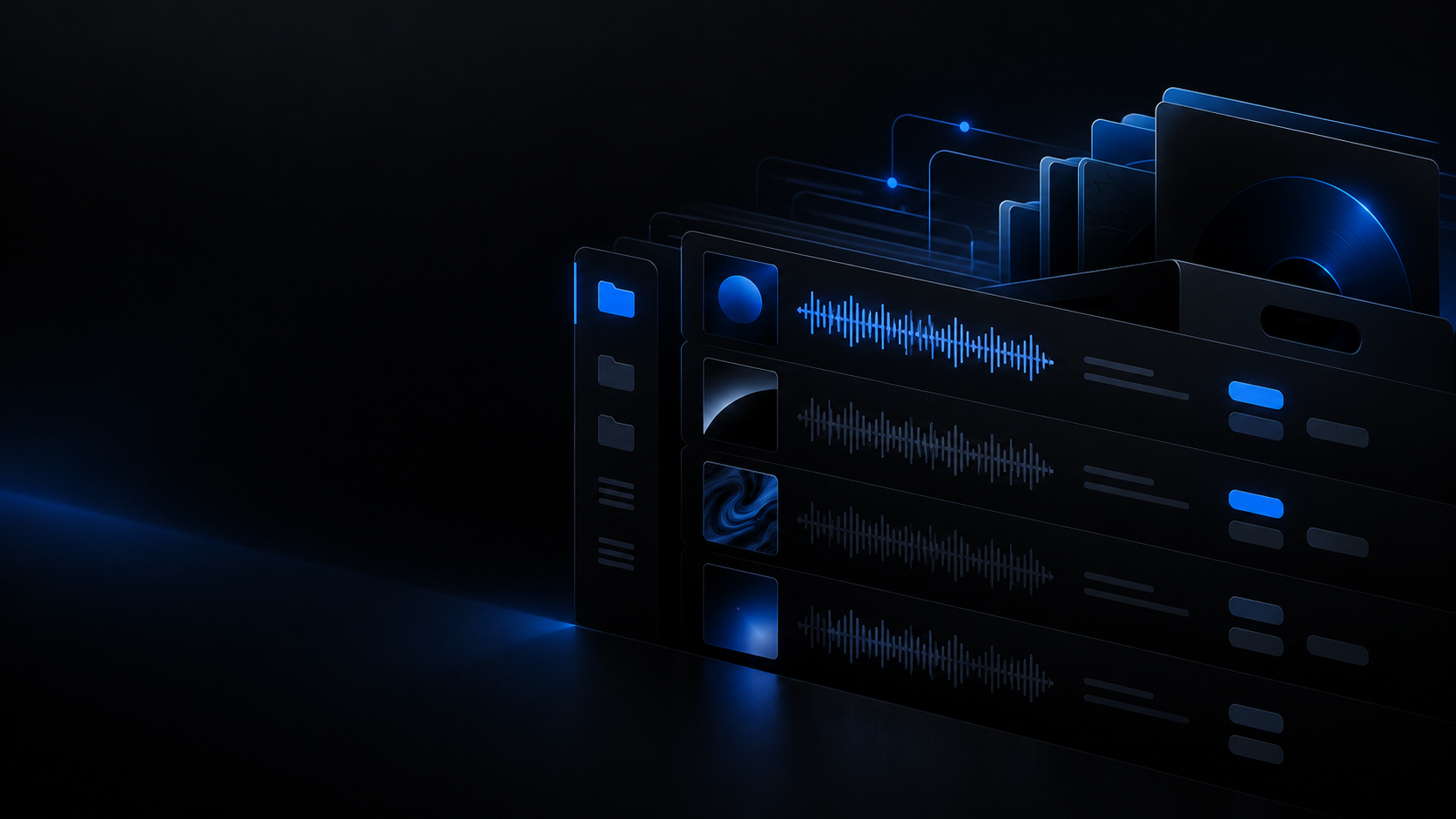
Exact duplicates by SHA-256

Each file is read in full, hashed with Web Crypto and every file sharing that hash is grouped as byte-for-byte identical. The hash index walks the list once, so this tier does not slow down as the library grows.

  • SHA-256 over the complete file, never over a header.
  • A single pass across every track that has been analysed.

Candidates from duration and tags

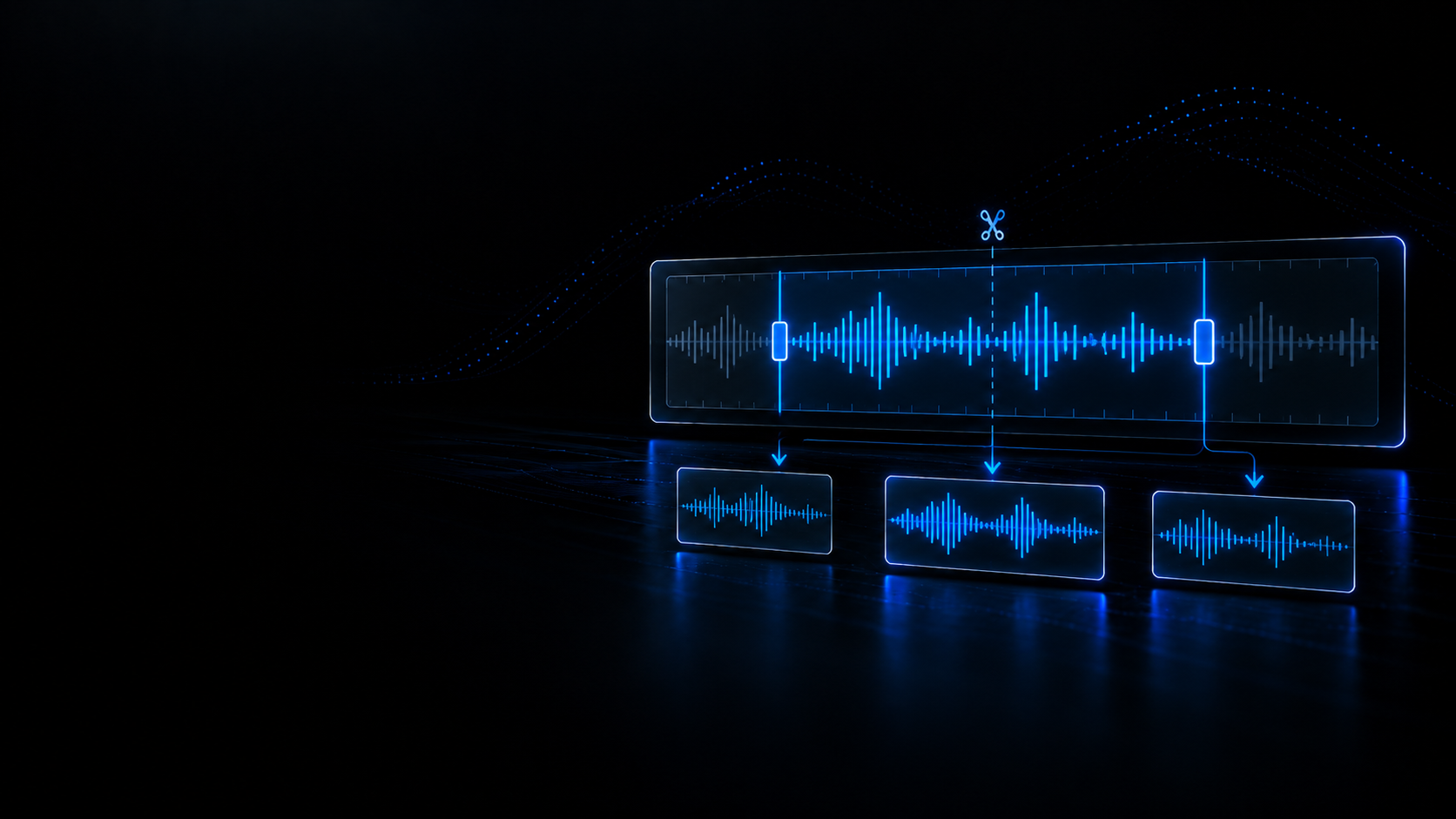
The second tier blocks into one-second bins and only compares pairs whose duration differs by a second or less; inside each block it normalises title, artist and filename (mix labels, accents and punctuation removed) and scores them with Jaccard and Levenshtein, grouping anything that reaches 85 % similarity. There is no acoustic fingerprint: if two files sound alike but the tags do not match, this tier will not join them.

  • Duration within ±1 s and text similarity ≥ 0.85, with different hashes.
  • Mix descriptors such as remix, edit or extended are stripped before comparing.

A recommendation for the copy to keep

Every group scores its copies on quality tier (lossless, 320k or transcode suspicion), bit depth, sample rate, clipping, DC offset and tag completeness including ISRC. The highest score becomes the recommendation and you can replace it with your own choice per group.

  • Penalises a suspected fake transcode: cut at ≤ 16.5 kHz with ≥ 80 % persistence.
  • Your manual choice replaces the recommendation without losing the plan.

A/B comparison and safe export

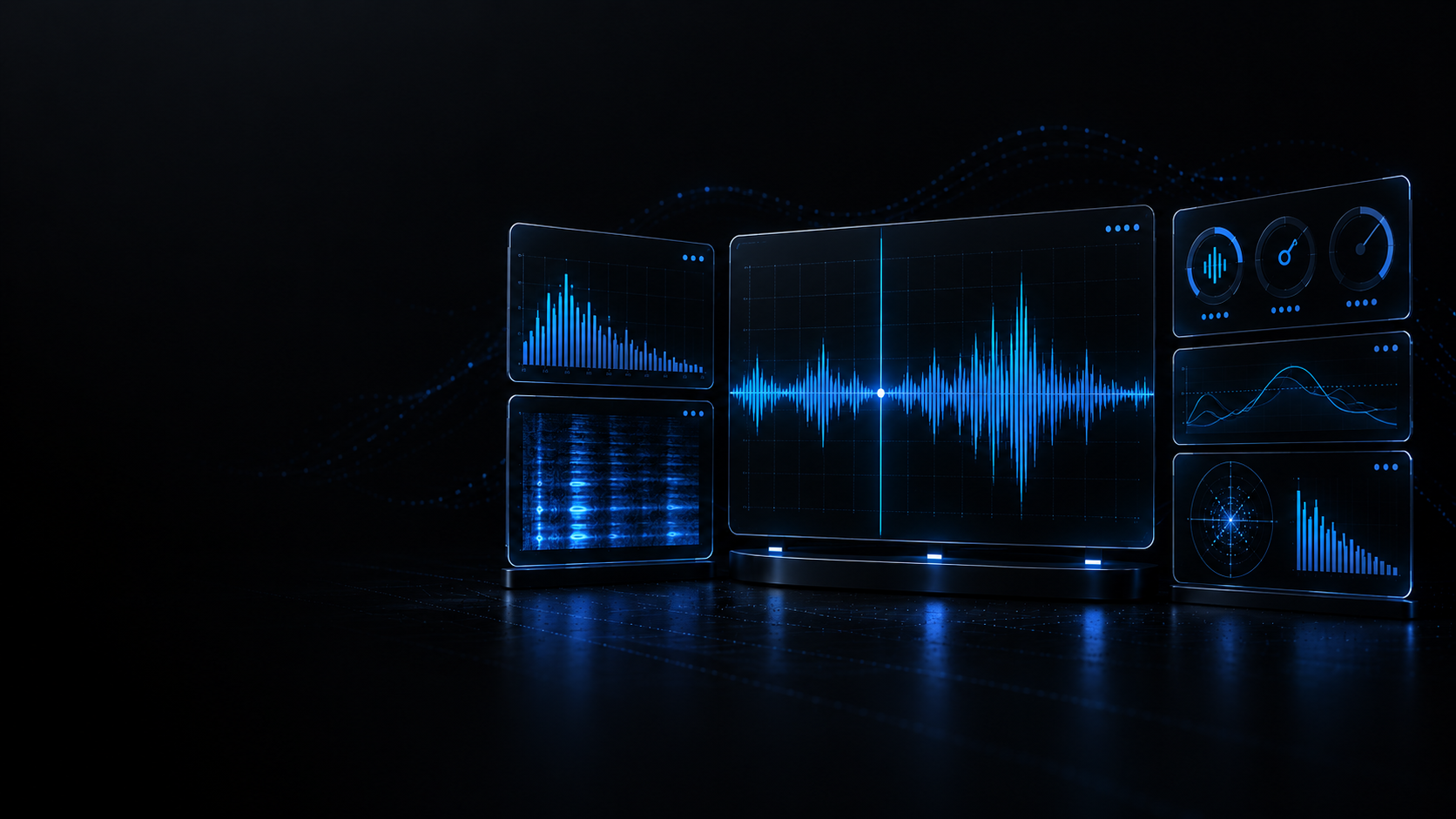
Copies sit side by side with format, bitrate, sample rate, True Peak, LUFS, loudness range, clipped samples and file size; you can preview each one and hot-switch between them at the same point on the timeline. From your choice you download a CSV decision report and an archiving script bundle that starts in dry-run mode.

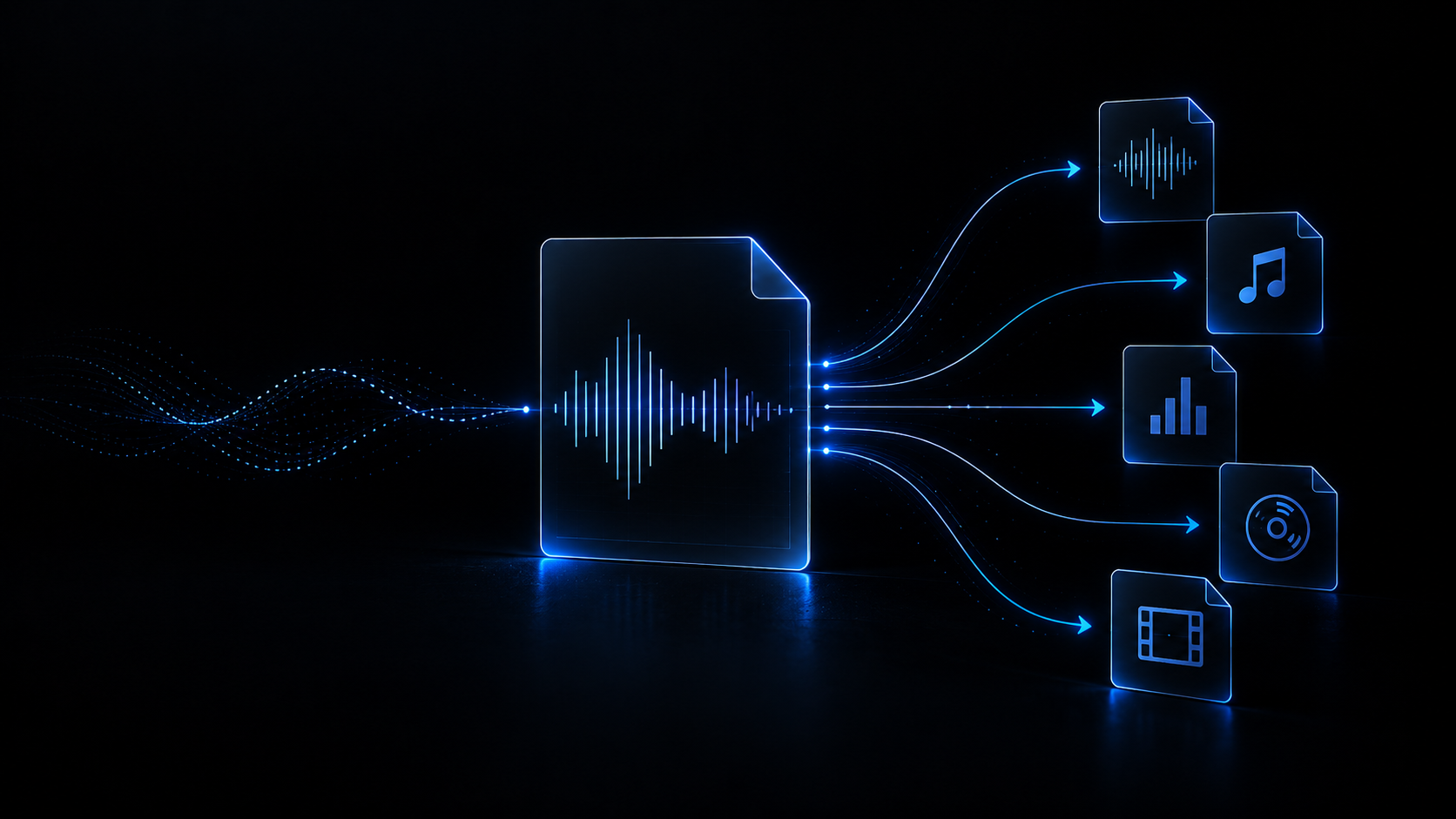
  • Decision CSV, PowerShell and Bash scripts, plus an undo guide.
  • The list comparator shows two copies per group at a time.

Real-world use cases

What this view solves before you load the USB stick.

Case 1 · FLAC and MP3 of one track

One song, two formats

The same track arrives as the label FLAC master and as a 320 kbps MP3 from a pool: duration and tags are nearly the same, so the group shows you both versions and you decide which one goes to the booth.

Case 2 · Repeated promos

Duplicated downloads

Several downloads of the same promo with an identical hash group themselves as exact duplicates, and the redundant-track counter tells you how many megabytes you can free up.

Case 3 · Before the gig

Room on the USB stick

The plan collects the redundant copies and the recoverable space; download the scripts, run them in simulation mode and apply only the moves you actually want.

Case 4 · Which copy wins

Pick the version to keep

Between a WAV of doubtful origin and a 320 kbps MP3 with a clean cutoff, the quality score, the spectral ceiling and the clipped-sample count give you technical reasons to keep one.

What it compares and what it does not

Better to say it here than to find out halfway through a big clean-up.

This tool works on analyses already computed in your browser: the SHA-256 hash of the whole file, duration, title, artist and filename, plus the technical metrics — format, bitrate, sample rate, spectral ceiling, LUFS, True Peak and clipped samples — used to score each copy. There is no lookup against AcoustID, Chromaprint or any other external service, and the comparison never listens to the audio: two files holding the same song with different tags are only joined if they also share a hash.

  • Inputs: MP3, WAV, FLAC, AIFF/AIF, OGG, M4A and AAC; the file picker also accepts any audio the browser recognises.
  • No acoustic fingerprint and no external services: only hash, duration and tag text.
  • Local processing: the file is opened and analysed on your machine, never uploaded to a server.

Limits worth knowing

We would rather publish them than have you discover them mid clean-up.

There is no acoustic fingerprint

Candidate grouping uses duration and tags, not the audio signal. A remix with the same title and almost the same duration can enter the group, and two files of the same song with different tags will not be joined unless the hash matches.

The whole file is read and decoded

SHA-256 needs the complete bytes and the quality metrics need the decoded audio, so the analysis does not stop at the headers: the bigger and longer the track, the longer it takes and the more memory it uses.

Your machine sets the ceiling

Resuming from the local cache restores at most 500 analyses. Each full result measures about 313 kB, so 20,000 tracks would be around 5.98 GB against a per-tab limit of 4,192 MB.

The tool never deletes or moves anything

It only downloads scripts and a CSV: files move into _Duplicates_Archive when you run the script, in dry-run mode by default, without overwriting or deleting anything. Your choice of which copy to keep is not written to disk or to your DJ software either.

Recommended Academy guides

Metadata, library organisation and quality checks before you play out.

Browse all guides

Related tools

Complementary utilities to organise and audit your library.

View all tools