

Stem Separator.

Drag & drop files or folders

or click to browse

Deckmatics Pure DSP & Neural AI (SCNet / RoFormer) · Client-side MIT-licensed engines (0 MB DSP / MIT open weights)100% en memoria de cliente / navegador · Cero subidas

Deckmatics is a 100% client-side audio processing tool for personal, educational, and technical use. Ensure you have legitimate rights to processed tracks. Public distribution, commercialization, or exploitation of remixes, acapellas, and derivative works requires prior copyright authorization. Processing runs entirely in your browser. No files are uploaded to the cloud.

Stem separation in your browser

Online Stem Separator: Isolate Vocals, Drums & Bass in Your Browser

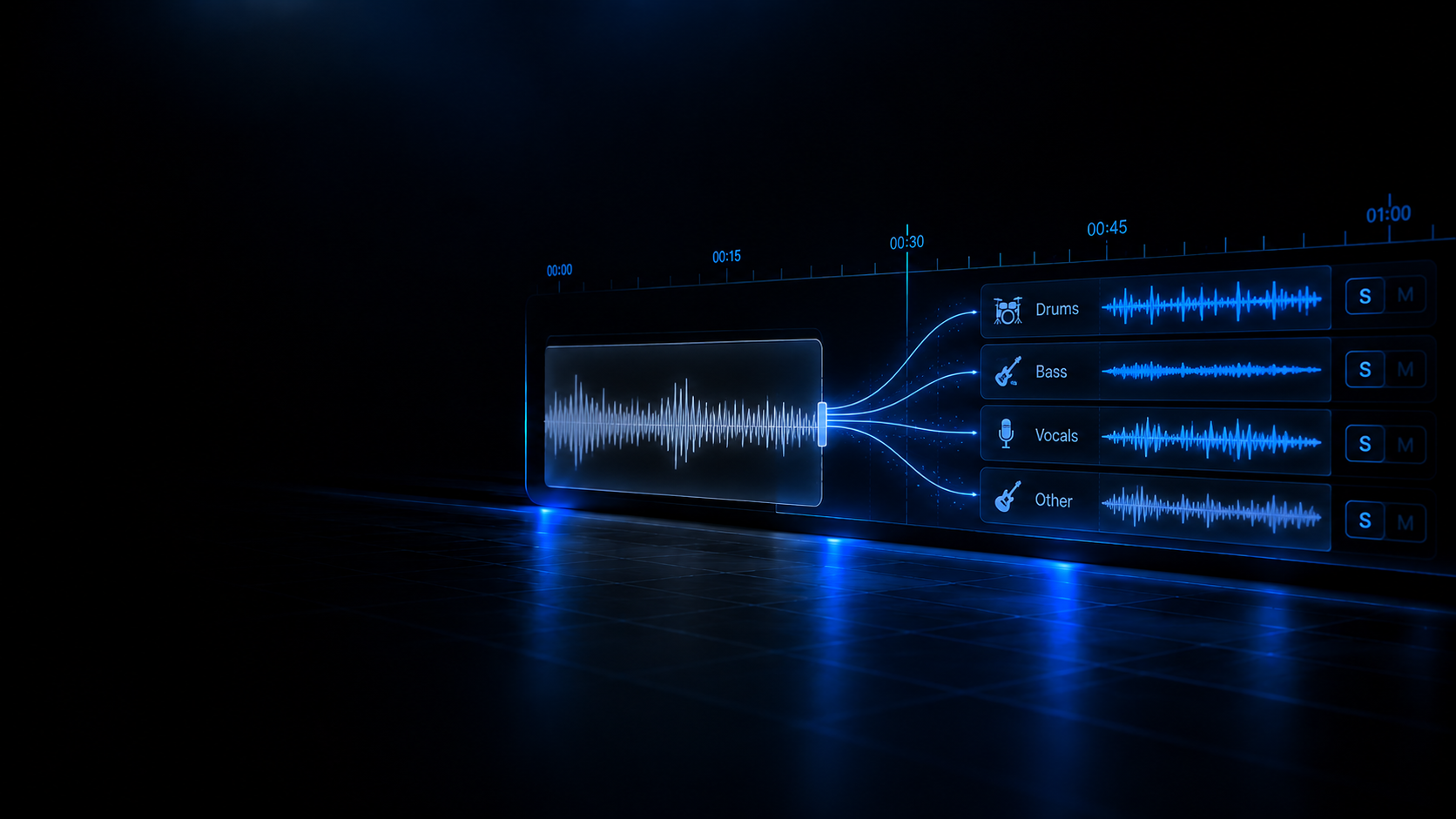
Split any song into four stems — vocals, drums, bass and instrumental — with a multi-engine MIT-licensed local architecture: instant Deckmatics Pure DSP (0 MB download) or studio-grade MIT-licensed neural networks (SCNet INT8, SCNet-large INT8, and Mel-Band RoFormer Kim). Download every stem as 16-bit WAV at the original sample rate: processing happens 100% locally on your machine with zero server uploads.

Supported inputs: WAV MP3 FLAC AIFF / AIF OGG M4A / AAC
Four output stems: Vocals Drums Bass Instrumental

Four stems from a single pass

Both Deckmatics Pure DSP and MIT-licensed neural engines return the four channels: vocals, drums, bass and instrumental, with a real-time multitrack mixer and immediate 16-bit WAV download controls.

  • Vocals, drums, bass and instrumental in one run — there is no two-stem or six-stem mode.
  • Mute, solo and volume per channel over the four stems once they are ready.

Multi-engine MIT-licensed local architecture

Choose between the instant speed of Deckmatics Pure DSP (0 MB download, CPU spectral filtering) or the surgical precision of MIT-licensed neural models (SCNet INT8 4-stems or Mel-Band RoFormer 2-stems, WebGPU/WASM accelerated). All approved engines are released under permissive MIT licenses.

  • Zero-download Pure DSP option for instant preview and lightweight workflows.
  • Studio-grade MIT neural network option running locally in your browser.

Spectral filtering and deep neural inference

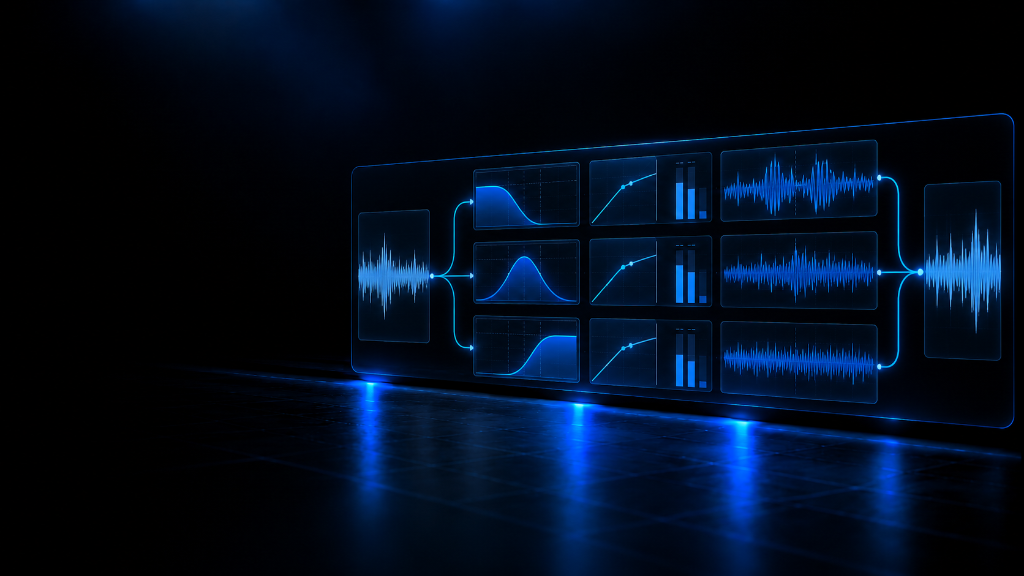
Pure DSP combines dual-median HPSS, Wiener masks, and a 250 Hz crossover. Neural models run modern architectures such as SCNet INT8 and RoFormer with WebGPU hardware acceleration or CPU WASM for surgical track isolation.

  • WebGPU hardware acceleration with seamless WebAssembly fallback on any modern CPU.
  • Crisp isolation across vocals, drums, basslines, and instrumental backing.

Mixer, transport and 16-bit WAV downloads

The results window adds transport with playback, a master volume and mute, solo and volume per stem with each channel waveform. Every download is 16-bit PCM WAV at the original sample rate of the file.

  • “Download All” emits four individual WAV files; no ZIP is produced.
  • The original file is read in your browser with decodeAudioData and never modified.

Real-world use cases

What a DJ separates stems for, before a gig or before opening a session.

Case 1 · Mashups and edits

Pull the acapella

Isolate the vocals of a track to build a mashup, a transition edit or a vocal chop without waiting for the label to publish an acapella. Export the vocals WAV and take it to your DAW or to your decks.

Case 2 · Booth preview

Hear it with or without vocals

Mute and solo across the four stems and you hear the track without vocals, or the isolated voice, in seconds — to check whether a transition works before you play it live. It is a mixer preview, not an export.

Case 3 · Studio

Four tracks to remix with

Download drums, bass, instrumental and vocals as 16-bit WAVs and work them in your DAW: remix, practise basslines on headphones, cut samples or deliver the stems to a collaborator.

Case 4 · Technical review

Check the separation on the spectrogram

Load an isolated stem into the Audio Analyzer and read on the spectrogram what survived: vocal bands in the vocals stem, transients in drums, sub energy in bass. Separation and analysis share the same browser.

Compatibility and requirements

What the code guarantees and what this block will not promise.

Separation runs entirely inside your browser combining Web Audio API, Web Workers, WebGPU (with automatic WebAssembly fallback), and CPU DSP: no server receives your audio, there is no queue, and no telemetry is gathered. Your music never travels across the network.

  • 100% in-browser via Web Audio API, WebGPU, and Web Workers; zero-download DSP or cached MIT neural models.
  • Zero audio bytes transmitted over the network: your tracks never leave your machine or touch a server.
  • Runs locally in any modern browser with WebGPU or WebAssembly support.

Limits worth knowing

Published here so nothing surprises you in the middle of a job.

Eight minutes, one track at a time

The engine caps a file at 480 seconds (8 minutes) to protect browser memory; anything longer fails with a clear error. There is also no batch queue: one file is separated at a time.

Exclusively 16-bit WAV PCM outputs

Downloads are exclusively 16-bit PCM WAV at the original sample rate; nothing here exports MP3, FLAC, AAC, OGG or 24-bit. If you need another format, use the Audio Format Converter.

Complementary MIT-licensed local engines

Pure DSP delivers instant spectral approximation with zero downloads, while MIT-licensed neural models download their open weights once locally for studio quality. Both coexist under permissive MIT licensing.

Memory: the whole PCM lives in RAM

The decoded file and the four stems stay in browser RAM while you work. For Neural AI, WebGPU accelerates inference; if unavailable, the engine falls back to CPU via WebAssembly.

Academy guides on stems

From how the models work to mashups and the rights behind derivative works.

Browse all guides

Related audio tools

What you need before and after separating a track.

Open the Audio Library