



←Home

DJ Database & Playlist Converter.

Convert Rekordbox, Traktor, VirtualDJ and Serato collections 100% locally.

Need to convert a USB flash drive in-place without duplicating audio?
Use DJ USB Converter In-Place →

Source Library

or click to browse

Supports Rekordbox .xml, Traktor .nml, and VirtualDJ .xml

DJ Library Migration Engine

DJ Library Converter: Rekordbox, Traktor & VirtualDJ

Convert your DJ collection file between Rekordbox XML, Traktor NML and VirtualDJ database.xml: playlists and nested folders, hot cues, loops, beatgrid, BPM, musical key, duration and audio paths. The whole conversion runs in your browser, so the file is never uploaded to a server.

Import and export: Rekordbox XML (.xml) Traktor NML (.nml) VirtualDJ XML (database.xml)

One converter, three DJ ecosystems

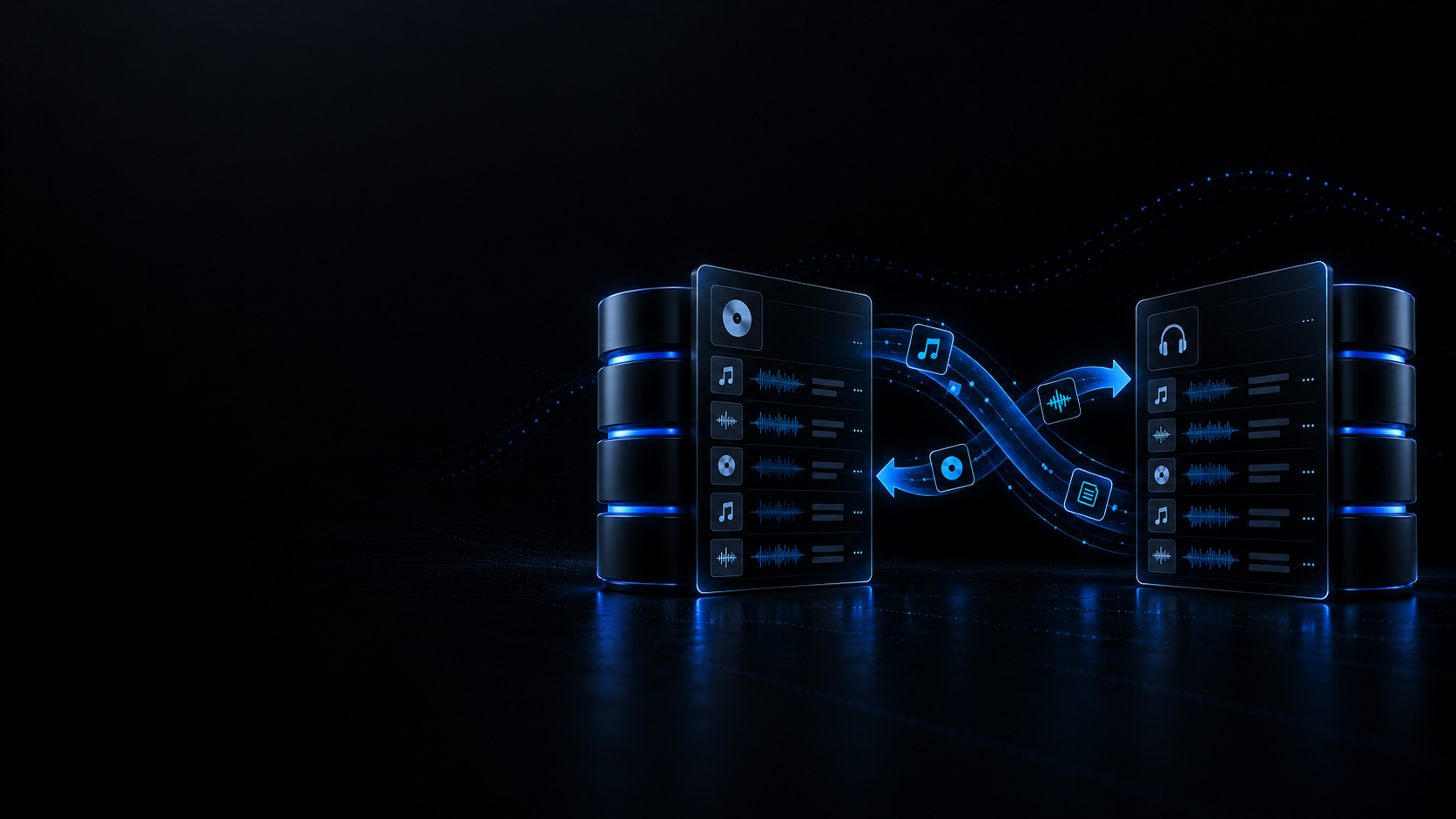
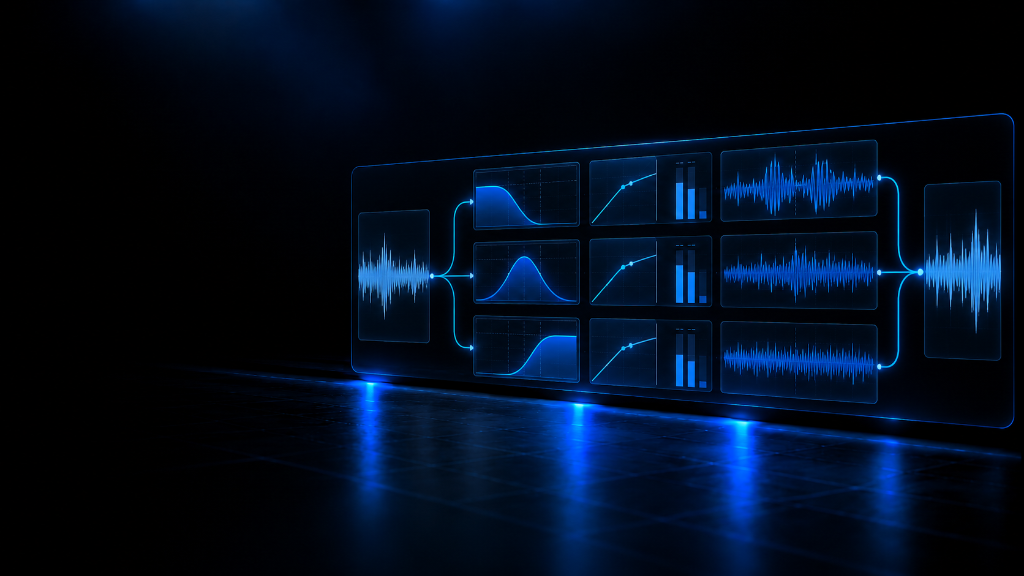
Every source file is parsed into a single normalised intermediate library — tracks, cues and playlists — and the target format is generated from it, so Rekordbox XML, Traktor NML and VirtualDJ database.xml convert both ways without a hand-built matrix of pairwise converters.

  • Rekordbox XML, Traktor NML and VirtualDJ database.xml are detected from the file header.
  • Download the resulting Rekordbox, Traktor or VirtualDJ file with a single click.

Playlists, folders and nested structure

The playlist tree travels as folders and lists: both the Rekordbox ROOT node and the Traktor $ROOT/SUBNODES structure are read and written, keeping the order of the tracks inside every playlist.

  • Folders keep their hierarchy instead of flattening into one single list.
  • VirtualDJ database.xml carries the collection only — its playlists live in separate .m3u files.

Hot cues, loops and beatgrid

Cue points are normalised to absolute seconds with their slot, label and length, so hot cues and loops survive the change of format; loop length is recomputed as end minus start whenever the target asks for it.

  • Traktor cues are converted between milliseconds and seconds in both directions.
  • The beatgrid origin and BPM are carried over; the Traktor and VirtualDJ targets write the first grid marker.

Metadata and audio paths

Title, artist, album, genre, musical key, BPM and duration are written to all three targets, and every track keeps its original audio location using the path convention that format expects.

  • Ratings travel when the target is Rekordbox; comments and cue colours are not written by every format.
  • Audio files are never opened, moved or re-encoded — only the text of the database is rewritten.

Use cases: when to convert your DJ library

Real migrations between DJ software without rebuilding your preparation by hand.

Case 1 · Traktor → Rekordbox

Take an NML collection to a Rekordbox USB

Export your Traktor collection as Rekordbox XML so playlists, hot cues, loops and beatgrid are ready for USB and CDJ export without marking anything again.

Case 2 · Rekordbox → Traktor

Start in Traktor with a Rekordbox library

Load a Rekordbox XML into Traktor Pro as a collection.nml, keeping the folder structure and up to 8 hot cues per track, the limit of the format itself.

Case 3 · VirtualDJ ⇄ Rekordbox

Move a database.xml collection

Convert VirtualDJ’s database.xml to Rekordbox XML keeping tags, BPM, key and cues, or the other way round for the tracks you play in VDJ.

Case 4 · Pre-migration audit

Count cues, grids and playlists before you migrate

The converter sums up tracks, playlists and folders, cue points and grid markers found in the source file, so you spot a truncated export before touching your main library.

Verified compatibility

The three formats that are read and written, with the exact schema the converter generates.

Rekordbox XML (DJ_PLAYLISTS)

Pioneer DJ / AlphaTheta: read and written as a DJ_PLAYLISTS Version 1.0.0 document, the format Rekordbox software and USB export use.

Traktor NML (collection.nml)

Native Instruments: read and written as an NML Version 19 document, the structure Traktor Pro saves its collection in.

VirtualDJ database.xml

Atomix Productions: read and written as a VirtualDJ_Database document holding the track collection, tags, BPM and cues.

The conversion happens on the file you load: the tool never connects to Rekordbox, Traktor or VirtualDJ and never opens your audio files.

Important limitations

What this tool does not do, stated before you convert.

  • Only the database is converted: audio files are never moved, copied or re-encoded. Every track keeps the path it came with, so those paths must still be valid on the machine where you open the result.
  • The VirtualDJ target writes the collection but not the playlist tree, because VirtualDJ keeps its lists in separate .m3u files; the converter warns about it before you download.
  • The Traktor target accepts a maximum of 8 hot cues per track: songs with more are counted and reported instead of being silently trimmed.
  • Only these three formats are read. Any other database file is rejected with a clear message instead of being half-parsed.

Recommended Academy guides

Library organisation, migration and preparation routines for working DJs.

Browse all guides

Related tools

In-browser companions to manage and prepare your collection.

Open the DJ Library